

Power Apps vs. Power Automate: What’s the difference and which is right for you?

Powers Apps vs. Power Automate: What's the difference?

Unlock the potential of Power Apps and Power Automate

Understand the difference between Power Apps and Power Automate

Power Apps is a low-code development platform for building custom business apps, while Power Automate, previously known as Microsoft Flow, automates workflows across various applications. Both are part of Microsoft’s Power Platform low-code toolset. You can use Power Apps or Power Automate separately, but together they provide a comprehensive solution for organizations seeking to streamline and automate their processes.

Comparing their functionality

Unleash your creativity with Power Apps:

  • Say goodbye to complex coding requirements as Power Apps allows users to craft custom business applications with ease.
  • The intuitive platform features a drag-and-drop interface that accelerates app creation without compromising on functionality.
  • Choose between canvas apps for flexible design options or model-driven apps for a more structured approach.
  • Seamlessly integrate your apps with various data sources like SharePoint lists, Excel files, SQL databases, or external APIs.
  • Leverage built-in formulas to execute intricate calculations and logic within your application.

Streamline operations with Power Automate:

  • Formerly known as Microsoft Flow, this automation powerhouse simplifies repetitive tasks across multiple systems.
  • Create automated workflows between applications such as Office 365, Dynamics 365, SharePoint Online, Salesforce CRM to eliminate manual efforts.
  • Trigger flows based on specific events or conditions like email receipt or database record updates.
  • Design flows using pre-built templates or build your own through a visual designer interface.

Key features in Power Apps

With Power Apps, you can probably create any app you might buy from another SaaS provider. Power Apps helps customers visualize data, integrate systems, and create mobile apps while backed by the security in their existing Microsoft environments.

  1. Intuitive interface: A standout feature of Power Apps is its user-friendly interface. The drag-and-drop functionality allows even non-technical users to design and build their apps easily, reducing reliance on IT departments or external developers.
  2. Tons of integration options: Power Apps seamlessly integrates with other Microsoft products such as SharePoint, Teams, Dynamics 365, and Azure services. Users can leverage existing data sources and workflows to create comprehensive solutions tailored to specific business needs.
  3. Mobile app development: Easily develop mobile applications across different devices and platforms with Power Apps. Whether you require an app for iOS, Android, or Windows devices, Power Apps provides the necessary tools for responsive mobile experiences.
  4. Data connectivity: Connect seamlessly with various data sources including Excel spreadsheets, SharePoint lists, SQL databases, Common Data Service (CDS), and more using Power Apps. Access real-time data from multiple systems within your organization directly through your app.
  5. Workflow automation: Simplify automating repetitive tasks with built-in workflow automation capabilities in Power Apps. Create automated workflows using triggers like button clicks or changes in data values without writing any code.
  6. Customization options: From designing visually appealing interfaces to adding custom logic using formulas or JavaScript functions – there are endless possibilities when it comes to customizing your Power app.
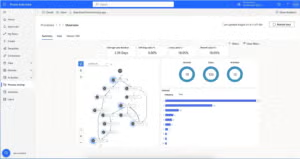
Key features in Power Automate

Previously known as Microsoft Flow, is a robust automation tool that lets users streamline workflows across various applications and services. Its user-friendly interface and extensive features make it a go-to choice for businesses looking to automate tasks efficiently and boost productivity.

  1. Seamless integration: Use connectors to popular platforms like SharePoint, Dynamics 365, Office 365, Teams, Azure services, and more. This integration allows users to connect different systems and data sources for smooth workflow automation.
  2. Visual workflow designer: The visual workflow designer in Power Automate offers an intuitive interface for creating automated workflows without the need for coding skills. Users can easily drag-and-drop actions onto the canvas to define their process flow.
  3. Pre-built templates: Power Automate provides a vast library of pre-built templates covering common business scenarios. These templates serve as starting points for quickly creating customized workflows.
  4. Custom connectors: Apart from built-in connectors for applications like Outlook or Excel Online, Power Automate enables users to create custom connectors using Azure Logic Apps or HTTP endpoints. This flexibility ensures seamless integration with any application or service not supported by default connectors.
  5. Data transformation: With its advanced data manipulation capabilities, Power Automate allows users to transform data from one format to another during automated workflows–crucial when dealing with disparate systems requiring specific data formats.
  6. Notifications and alerts: Users can set up notifications within their workflows through channels such as email notifications or push notifications on mobile devices via the Microsoft Teams app – keeping stakeholders informed about important updates in real-time.
  7. Security controls: To uphold data security standards, Power Automate offers robust security controls allowing users to define access permissions, encrypt sensitive data, and implement multi-factor authentication ensuring protection of their workflows and information handled.

A comprehensive comparison

Functionality:

  • Power Apps: This platform allows you to craft custom business applications sans the need for coding. Its user-friendly interface facilitates app creation for web browsers, mobile devices, and offline usage.
  • Power Automate: Conversely, Power Automate focuses on streamlining workflows across diverse systems and services through automated processes known as flows.

Integration:

  • Power Apps: Both platforms seamlessly integrate with a range of Microsoft products like SharePoint, Teams, Dynamics 365, and Azure services
  • Power Automate: While both offer integration capabilities with external systems via connectors or APIs, Power Automate boasts a broader array of pre-built connectors compared to Power Apps.

Development approach:

  • Power Apps: With its visual development approach akin to Excel functions using drag-and-drop components and formulas, users can swiftly create functional apps without extensive coding knowledge in Power Apps.
  • Power Automate: On the other hand, while some level of coding is feasible in both platforms (using expressions or JavaScript), developers may find more flexibility in extending functionalities within flows created in Power Automate.

Use cases:

  • Power Apps: Building custom forms for data entry or approval processes, creating interactive dashboards for data visualization, developing mobile apps for field workers, etc.
  • Power Automate: Automating approval processes, integrating data across different systems, sending notifications based on specific triggers, etc.

Strengths and weaknesses:

  • Power Apps: The strength of Power Apps lies in its capacity to design visually appealing apps with an intuitive learning curve. It offers a comprehensive suite of controls, templates, and pre-built components that can be easily tailored.
  • Power Automate: On the flip side, Power Automate shines due to its robust workflow automation capabilities enabling users to automate intricate business processes by linking various services together. However, it’s worth noting that while both platforms are potent tools, they may have limitations when confronted with highly specialized or customized requirements.


Related: Power Apps vs Power BI | What’s the Difference?

Does your organization have an AI strategy?

Schedule a call with our experts today.

The reality of ransomware: One company’s story

The Reality of Ransomware: One Company’s Story

Still not convinced ransomware poses a significant threat to your business? Check out this short case study on one company’s experience. In 2022, an apparel company experienced a significant disruption due to a ransomware attack, which paralyzed its operations for three weeks. The attack, detected hindered the company’s ability to purchase supplies, fulfill orders, and process payments, affecting its global supply chain. Eventually, the company restored its IT systems…but only after undergoing a lengthy and expensive recovery process, spending $15 million to mitigate the supply chain impact.

Start Your Journey with Sunrise Today!

Whether you’re exploring your options for new business platforms, or ready to get started, we are trusted business partners for some of the world’s most well-known brands. With over 25 years of experience with the Microsoft stack, we can help you understand all the capabilities Microsoft has to offer.

Stay one step ahead of cybersecurity threats, ransomware attacks

How to Outsmart Ransomware Attacks

Think it can’t happen to you? Think again.

Ransomware attacks have become a major threat to individuals, businesses, and even government agencies worldwide. These malicious attacks can lock you out of your data and demand hefty ransoms for its return, causing significant financial and operational damage. Understanding how to protect yourself from these threats is crucial. In this blog post, we’ll explore what ransomware is, how it works, and most importantly, how to avoid becoming a victim.

Understanding Ransomware

What is Ransomware?

Ransomware is malware that encrypts a victim’s files, making them inaccessible until a ransom is paid. Attackers often demand payment in cryptocurrencies like Bitcoin to remain anonymous. There are various types of ransomware, including:

  • Crypto Ransomware: Encrypts files, rendering them unusable without the decryption key.
  • Locker Ransomware: Locks the user out of the entire system.
  • Scareware: Fake software that claims to detect issues and demands money to fix them.
  • Doxware: Threatens the release of sensitive data unless a ransom is paid.

How Does Ransomware Spread?

Ransomware can infiltrate your system through various means, including:

  • Phishing Emails: Malicious attachments or links in emails.
  • Malvertising: Online ads that spread malware.
  • Drive-By Downloads: Infected websites that automatically download malware.
  • Remote Desktop Protocol (RDP) Vulnerabilities: Exploiting weak passwords or outdated software.

Eight tips for avoiding Ransomware attacks

1: Educate yourself and your team

Knowledge is your first line of defense. Understanding how ransomware works and recognizing the signs of an attack can prevent many incidents.

  • Training: Conduct regular cybersecurity training sessions.
  • Awareness: Encourage employees to be cautious with email attachments and links.
  • Updates: Stay informed about the latest ransomware threats and tactics.

2. Use Strong Passwords and Multi-Factor Authentication

Strong, unique passwords are vital for protecting your accounts and systems.

  • Password Management: Use a password manager to generate and store complex passwords.
  • Multi-Factor Authentication (MFA): Implement MFA for an additional layer of security.

3. Keep Your Software Updated

Outdated software is a common target for ransomware attacks.

  • Automatic Updates: Enable automatic updates for your operating system and applications.
  • Patch Management: Regularly apply security patches to fix vulnerabilities.

4. Back Up Your Data Regularly

Regular backups can save you from paying a ransom if your data is encrypted.

  • Backup Strategy: Implement a 3-2-1 backup strategy: three copies of your data, on two different media, with one offsite.
  • Testing: Regularly test your backups to ensure they can be restored.

5. Implement Advanced Security Solutions

Invest in robust security solutions to protect your network and data.

  • Antivirus Software: Use reputable antivirus software and keep it updated.
  • Firewall: Implement a strong firewall to block unauthorized access.
  • Intrusion Detection Systems (IDS): Use IDS to monitor and respond to suspicious activity.

6. Restrict Administrative Privileges

Limit access to critical systems and data to reduce the risk of an attack.

  • Least Privilege Principle: Only grant access necessary for users to perform their jobs.
  • Segmentation: Segment your network to contain potential breaches.

7. Secure Remote Access

With the rise of remote work, securing remote access has become crucial.

  • VPN: Use a Virtual Private Network (VPN) for secure remote connections.
  • RDP Security: Secure RDP with strong passwords and two-factor authentication, and disable it if not needed.

8. Monitor and Respond to Threats

Proactively monitoring your systems can help you detect and respond to threats quickly.

  • Security Information and Event Management (SIEM): Use SIEM to aggregate and analyze security data.
  • Incident Response Plan: Develop and regularly update an incident response plan.

Responding to a Ransomware Attack

Despite taking all precautions, you might still fall victim to a ransomware attack. Here’s how to respond:

  1. Isolate the Infection: Immediately disconnect infected systems from the network to prevent the spread.
  2. Identify the Ransomware: Determine the type of ransomware to understand the potential damage and recovery options.
  3. Report the Attack: Notify relevant authorities and report the incident to cybersecurity organizations.
  4. Restore from Backup: If you have secure backups, restore your system to avoid paying the ransom.
  5. Engage Professionals: Consider hiring cybersecurity experts to handle the incident and strengthen your defenses.

Conclusion

Ransomware attacks can be devastating, but with the right strategies, you can significantly reduce your risk. Education, strong passwords, regular updates, data backups, advanced security solutions, restricted access, secure remote connections, and proactive monitoring are all crucial components of a robust cybersecurity strategy. By implementing these measures, you can protect your data and systems from ransomware and other cyber threats.

Remember, the best defense is a proactive one. Stay informed, stay vigilant, and stay secure.

Ready to Learn More About Advanced Security Solutions?

Schedule a call with one of our cybersecurity experts today.

The importance of transactions in the era of AI

The Importance of Transactions in the
Era of AI

Driving business with AI and machine learning

Sajid Majeed

Chief Strategy Officer at Sunrise Technologies


AI and machine learning are fundamentally transforming industries across the globe. According to a report by Goldman Sachs, AI could replace the equivalent of 300 million full-time jobs by 2030, affecting about a quarter of work tasks in the US and Europe. The report also predicts an increase in the total annual value of goods and services produced globally by 7%. These goods and services are, essentially, economic transactions. Whether its completing a purchase online, submitting a health insurance claim, or buying a new car, economic transactions are the critical data sources that AI systems rely on to function effectively. As companies and individuals brace themselves for AI’s momentous shift, the importance of maintaining robust and accurate transactional data becomes a cornerstone for success.

AI’s transformative power and industry investment

Tech giants are leading the charge in AI innovation. Microsoft has committed billions of dollars towards AI development, integrating advanced AI capabilities into its suite of products and services. This massive investment underscores AI’s critical role in shaping the future of technology and business operations. Similarly, NVIDIA, a key player in AI hardware and software, recently surpassed Apple in market capitalization. This milestone reflects the growing recognition of AI’s potential to revolutionize industries and drive market value.

The enduring necessity of economic transactions

Despite the rapid advancements in AI, one fundamental aspect of business operations remains unchanged: the necessity of economic transactions. These transactions—whether purchases, sales, or financial exchanges—are the bedrock of economic activity. They facilitate trade, enable the flow of goods and services, and support the overall functioning of the economy. AI systems rely heavily on data derived from these transactions to learn, adapt, and optimize processes. Every purchase at a grocery store, every sale at a car dealership, and every financial exchange contributes to the vast pool of data that AI uses to generate insights and make predictions.

Examples of economic transactions

These transactions provide data that help retailers manage inventory, predict demand, and personalize marketing efforts.

These transactions are crucial for managing patient records, billing, and insurance claims and improving patient care through data analysis.

These transactions enable banks to manage assets, provide loans, and facilitate investment activities, contributing to overall economic stability.

These transactions ensure that products move efficiently from manufacturers to consumers, optimizing supply chains and reducing costs.

These transactions help dealerships manage inventory, schedule maintenance, and provide customer service.

These transactions provide data for market analysis, pricing strategies, and investment decisions.

These transactions help businesses manage reservations, optimize pricing, and enhance customer experiences.

These transactions are critical for managing customer accounts, billing, and service delivery.

These transactions help utility companies manage infrastructure, plan for future demand, and ensure reliable service.

These transactions provide data for improving website functionality, customer service, and inventory management.

AI in corporate strategy

The impact of AI is evident across corporate America. Approximately 40% of S&P 500 companies mentioned AI in their latest earnings calls. This widespread acknowledgment signifies that AI is becoming a central component of business strategies, influencing decisions and operational improvements across various sectors.

Ensuring transactional integrity

For businesses to thrive in the AI era, ensuring the integrity of economic transactions is crucial. This involves maintaining accurate records and investing in systems capable of efficiently capturing and processing transactional data. By doing so, businesses can unlock the full potential of AI, driving growth, efficiency, and innovation. Economic transactions not only enable the basic functions of trade and commerce but also provide the critical data foundation that AI systems require to function optimally.

The future of economic transactions

While AI will transform many facets of operations across all industries, ensuring transactional integrity is necessary to maximize the advantages of AI. Economic transactions are the lifeblood of commerce, and their importance is only magnified in the AI era. They enable the seamless operation of markets, support financial stability, and provide the data necessary for AI to generate valuable insights. As AI continues to evolve, the role of economic transactions will remain indispensable, ensuring that businesses can leverage the full power of AI.

Conclusion

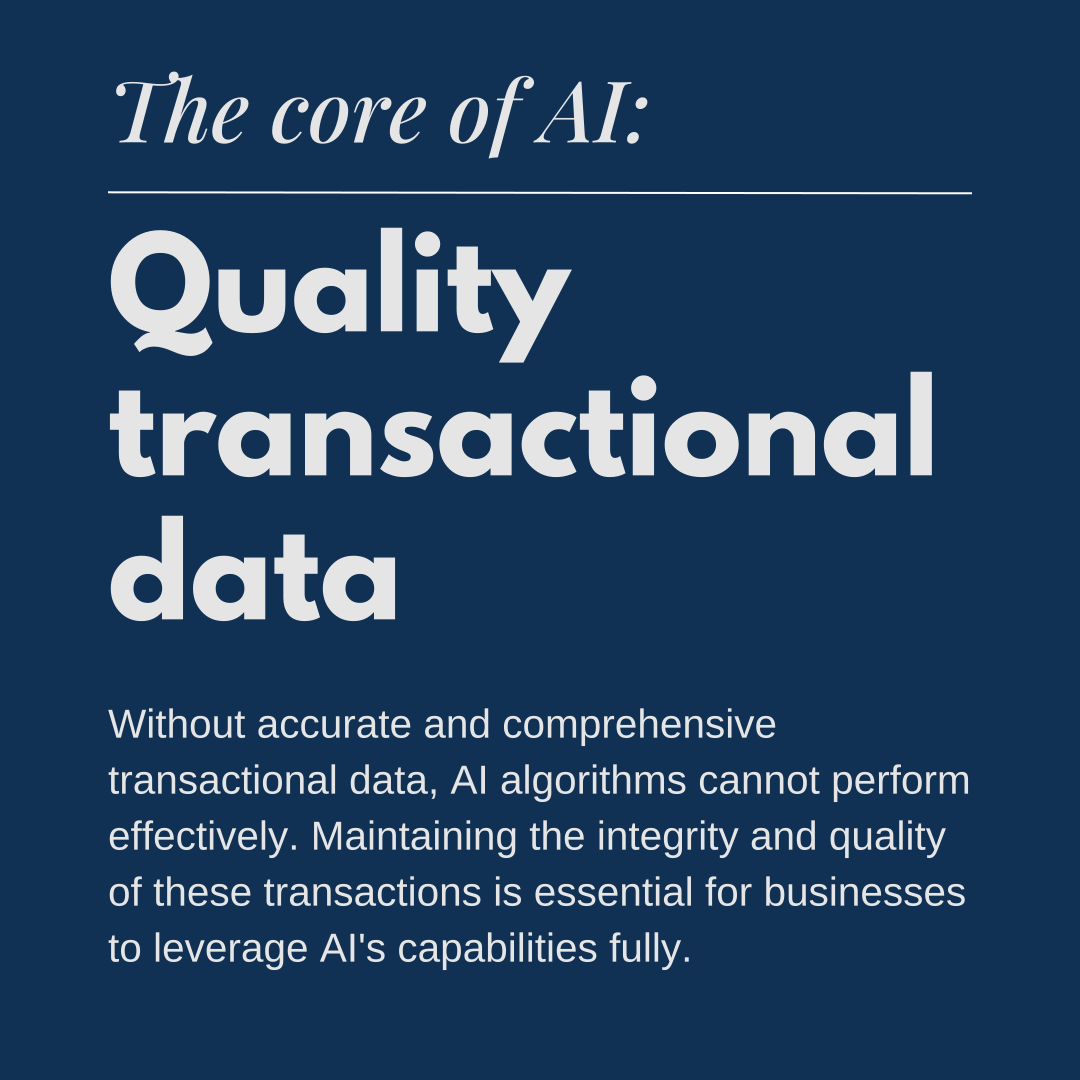
In the era of AI, the importance of economic transactions cannot be overstated. They are the foundation upon which AI systems are built, providing the critical data for AI to function effectively. Businesses must prioritize the integrity and quality of these transactions to fully harness the potential of AI, driving growth, efficiency, and innovation.

Does your organization have an AI strategy?

Schedule a call with our experts today.

Transforming retail: Insights from Microsoft and Sunrise

Transforming Retail: Insights from Microsoft and Sunrise

Start Your Journey with Sunrise Today!

Whether you’re exploring your options for new business platforms, or ready to get started, we are trusted business partners for some of the world’s most well-known brands. With over 25 years of experience with the Microsoft stack, we can help you understand all the capabilities Microsoft has to offer.

Microsoft digital defense report: Microsoft Threat Intelligence

Copilot case study

Case study: Sunrise Says "Hello!" to Microsoft Copilot

Results from our internal Copilot project

Sunrise Technologies has been around for every major technology release from Microsoft for almost 20 years. When Microsoft announced its AI solution Copilot, Sunrise team members were intrigued. As a Microsoft partner, Sunrise sells, implements, and supports the Dynamics 365 ecosystem of business applications. The company’s ethos is “implementing great ideas” for its customers, who range from manufacturers to retailers around the world. Sunrise is also a Microsoft customer, utilizing Dynamics 365 Finance, CRM, Power BI, and Office 365 for its internal operations. Here is the story of how Sunrise implemented a Copilot solution for its accounting and finance department, which automated several manual processes and saved the team hours of work each week.

Goals | Analysis | Solution overview | Copilot skills | Looking ahead

Project goals

Sunrise executives were eager to test out Microsoft Copilot’s AI before offering it to customers.  “We’re always trying to see if we can do things internally to then extend out to our customers,” said Heather Essic, Chief Administrative Officer at Sunrise Technologies. The finance department felt like the most obvious place to start automating or speeding up tasks with AI.

As a consulting firm, Sunrise invoices its customers biweekly. Consultants submit their timesheets and expense reports at the end of each billing period. Time and expenses are then verified by Sunrise’s accounting department team members before invoices are created and sent out to customers.

With over 200 consultants, checking timesheets was a repetitive, time-consuming process. Accounting team members would spend up to eight hours each billing period on manual tasks, like emailing a consultant to ask them to correct their timesheet or sending reminders to people to submit their time.

Sunrise’s accounting team members were curious about AI but unsure of where it would fit in their day-to-day workflow. “I knew very little about AI and Copilot before we went down this road,” said Kayla Rogers, Accounting Manager. “I didn’t know of a practical way that Copilot could be used in the business functions that we do, particularly around billing tasks.”

Tonya Cottingham, Accounting Manager, had a similar point of view. “I had heard a little bit about AI, but I didn’t know anything about Copilot…I was skeptical because a computer can’t think like I can.”

Analysis and design

Sunrise’s Director of Product Management, Rizwan Ahmed, worked with Tonya, Kayla, and Heather to develop a solution using Copilot Studio. Copilot Studio allows users to build conversational AI models or Copilot “skills.” Rizwan shadowed Tonya and Kayla to understand their business processes and identify areas where AI could automate or expedite tasks. One process that seemed promising for AI was the amount of manual work involved in reviewing, updating, and approving timesheets.

“Rizwan did an outstanding job of meeting with us and understanding where we were spending time looking things up,” said Heather.

The team was also impressed by how quickly the entire project came together. After just two days of shadowing, Rizwan and his team used Sunrise’s own agile project management approach to design the solution. In just 20 days, Copilot was up and running.

Copilot solution overview

After shadowing the accounting team, Rizwan taught Copilot several skills related to the team’s problem statements. The solution nicknamed “Sunrise Copilot” consisted of 14 prompts that can return information from Dynamics 365 Finance and Operations, CRM, and Power BI; and perform tasks necessary to review and approve time entries and is accessible via Microsoft Teams.

The results were immediate and impressive. “It was a game changer for us,” said Tonya. What used to take up to eight hours between two people—checking time, emailing reminders and updates—had been reduced to about ninety minutes. Sunrise Copilot had streamlined the time collection process: today Kayla and Tonya use Teams to look up, review, approve, and send emails about consultant timesheets. “We used to have to manually figure this out in Power BI, cross-checking in CRM, then go into Outlook, write the email, and now, we can do it all within Teams,” said Kayla.

Phase 1 was so successful that the team saw even more possibilities for Phase 2. “After Phase 1, we started to realize the potential of what we could see and do…the more we worked with the Sunrise Copilot, the more we could add to the scope of what it could do for Phase 2,” said Heather. This included adding prompts to look up and return information about customers. Rizwan and his team added prompts for common questions regarding customers, such as open invoices, customer balances, rates, and project team members. “Phase 2 is really exciting because it allows me to quickly look up things that took me several minutes, which doesn’t seem like a big deal at first. But when you think about doing these things every day, it can be a pretty vast improvement,” said Heather.

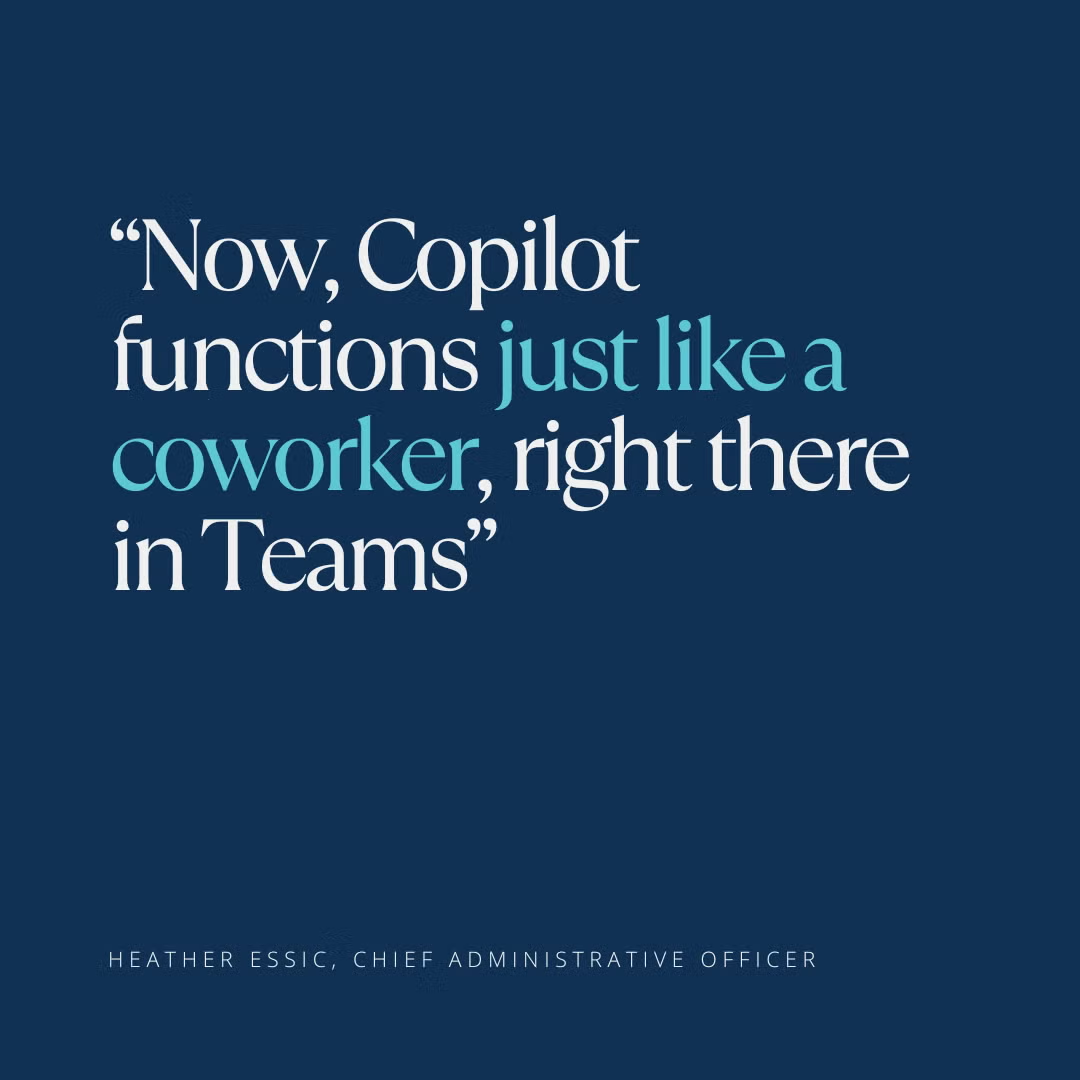
“Copilot shows up just like a coworker”

Now that Sunrise Copilot is live, its users have enjoyed incorporating it into their daily workflow. When asked about their favorite features, team members were excited at how the solution helps them save time and get answers fast:

“My favorite Copilot feature is its ability to tell me what line items are on an invoice,” said Heather. “I used to have to look in F&O at project invoices, find the customer, match up the invoice numbers…and now it’s just right there in Copilot for me.”

“I love the timesheet feature,” said Tonya. “Being able to see the time entries and details without moving between screens is a huge time saver.”

“For me, it’s the natural language, I like being able to talk to it like it’s another coworker,” said Kayla. “It’s smart enough to figure out the answers I want even if I say something in a different way.”

Looking ahead and advice for future users

Today, the accounting team thinks “the possibilities are endless,” with Copilot. For Sunrise executives, the project was a valuable experience not only for the boost in efficiency, but as an exercise to understand how AI can deliver real value to an organization.

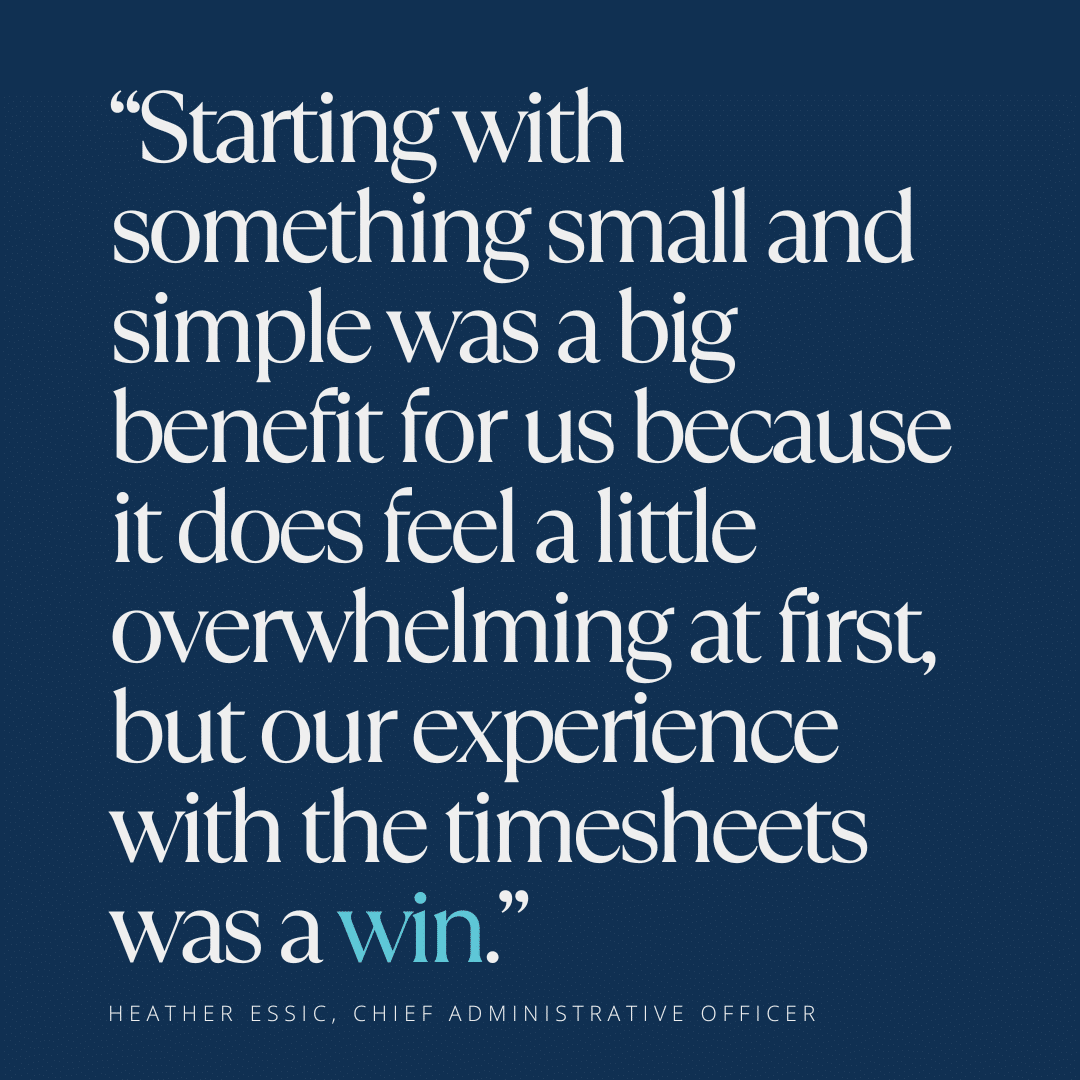
“I think about customers of ours who are looking to enable Copilot in some way, and aren’t sure where to start, and our team felt that way too,” said Heather. “Starting with something small and simple was a big benefit for us because it does feel a little overwhelming at first, but our experience with the timesheets was a win.”

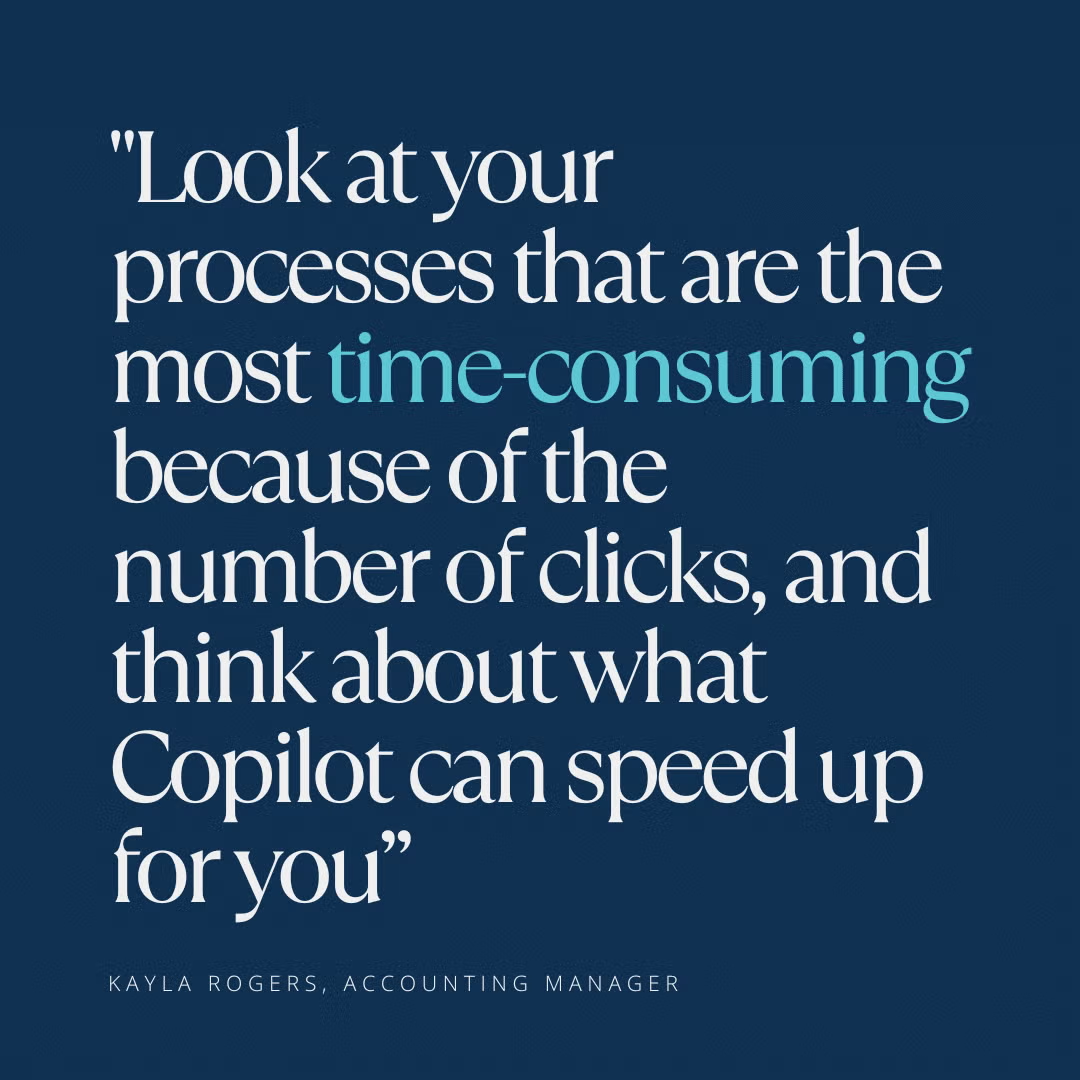
For those considering a Copilot project of their own, Sunrise’s end users have some advice: “Look at your processes that are the most time-consuming because of the number of clicks and think about what Copilot can speed up for you so that your data is readily available to help you make decisions,” said Kayla Rogers.

“I think it’s important to think about your work step by step. What do you do to get from point A to point B to point C?” said Tonya Cottingham. “You know your processes, because they’re within the realm of what you do every day, and Copilot can help you complete those processes in a much more timely and effective manner.”

Start Your Journey with Sunrise Today!

Whether you’re exploring your options for new business platforms, or ready to get started, we are trusted business partners for some of the world’s most well-known brands. With over 25 years of experience with the Microsoft stack, we can help you understand all the capabilities Microsoft has to offer.

Dynamics 365 Licensing: What you need to know in 2025

Dynamics 365
Licensing Update

Microsoft is making its first major update to Dynamics 365 license pricing in nearly five years, set to take effect on October 1, 2024. These changes could impact your business’s budget and planning, so it’s important to understand what’s coming and how to prepare. In this blog, we’ll break down the new pricing structure, discuss its implications, and offer strategies to help you make the most of your investment in Dynamics 365. Whether you’re a current user or considering a switch to Dynamics 365, this guide will help you navigate the upcoming changes with confidence.

1. Microsoft is updating its license pricing

This is the first time Microsoft has changed pricing for business applications in almost five years. Hopefully, it will be another five before they change again.

Starting October 1, the following products will have their prices updated according to the table below:

ProductPrice before October 1,   2024Price as of
October 1, 2024
Microsoft Dynamics 365 Sales   Enterprise$95$105
Microsoft Dynamics 365 Sales   Device$145$160
Microsoft Dynamics 365 Sales   Premium$135$150
Microsoft Microsoft   Relationship Sales$162$177
Microsoft Dynamics 365   Customer Service Enterprise$95$105
Microsoft Dynamics 365   Customer Service Device$145$160
Microsoft Dynamics 365 Field   Service$95$105
Microsoft Dynamics 365 Field   Service Device$145$160
Microsoft Dynamics 365   Finance$180$210
Microsoft Dynamics 365 Supply   Chain Management$180$210
Microsoft Dynamics 365   Commerce$180$210
Microsoft Dynamics 365 Human   Resources$120$135
Microsoft Dynamics 365   Project Operations$120$135
Microsoft Dynamics 365   Operations – Device$75$85

2. The way you buy additional D365 environments is changing

The way you buy additional environments is changing. Today you can purchase additional environments through two different mechanisms. First, you can spin up a cloud-hosted environment in your Azure tenant. This is a pay-as-you-go service and can be turned on and off. These environments are typically for developers and are not meant to support multiple users in the system. The second is Tier 2-5 environments. You are entitled to one Tier 2 environment when you make a minimum qualifying base license purchase. We always recommend to our customers that they buy one additional Tier 2 environment during the implementation. The Tier 2-5 environments have a SKU and are purchased like a traditional license with monthly/annual commitments. The Tier 2-5 environments increase in price and performance, respectively. Tier 3 and up environments should be reserved for heavy performance testing.

Going forward, you will be able to spin up as many environments as you would like within your tenant. You will simply be required to pay for the underlying storage and compute to support them. The pricing for these items has not yet been released.

How to plan for these Dynamics 365 license updates

If you are an existing customer, check when your current licenses are set to renew. If your renewal is before October 1, you will be able to lock yourself in at the current lower price for longer. Please reach out to us for coaching on how to best manage this for your situation.

If you are shopping for D365 there has never been a better time to buy your licenses. Please reach out to us with any questions to begin your transformation into the cloud.

Even though prices are set to increase Microsoft’s licensing is still one of the most cost-effective in the market for the depth of capability that Dynamics 365 offers.


Questions about Dynamics 365 licensing?

We’ve got answers. Speak with our experts today.

10 tips to kickstart your Dynamics 365 transformation

10 Tips to Start Your Dynamics 365 Transformation

Are you running Dynamics AX 2012, 2009, or an older version? Each system has unique considerations as you plan a move to the cloud. So we compiled the ten most important topics to help you kickstart your planning.

You’ll learn:

  • Key dates and considerations for different versions of AX
  • Migration tool capabilities, limitations, and availability
  • How to know if existing ISV solutions and customizations are cloud-ready—or if you even need them at all
  • Ways to save money with Microsoft offers for existing AX customers.

Ready to Move Forward or Need Support?

Whether you’re ready to transform with Microsoft Dynamics 365 or want 24/7 global support for older versions of AX (or a little mix of both), we can help! You can schedule an upgrade workshop to discuss your unique situation or contact us to learn more about pay-as-you-go support options.

10 tips to start your AX to Dynamics 365 transformation

10 Tips to Start Your AX to Dynamics 365 Transformation

Are you running Dynamics AX 2012, 2009, or older? Each system has unique considerations as you plan a move to the cloud. That’s why we’ve put together these resources to help you kickstart your planning.

You’ll learn:

  • Key dates and considerations for different versions of AX
  • Migration tool capabilities, limitations, and availability
  • How to know if existing ISV solutions and customizations are cloud-ready—or if you even need them at all
  • Ways to save money with Microsoft offers for existing AX customers

You can also watch our webinar with Microsoft for an overview of the benefits of moving to the cloud, such as advanced security, reduced IT burden, and improved scalability.

Ready to Move Forward or Need Support?

Whether you’re ready to transform with Microsoft Dynamics 365 or you want 24X7 global support for older versions of AX (or a little mix of both), we can help! You have the option to schedule an upgrade workshop to discuss your unique situation or contact us to learn more about pay-as-you-go support options.