
AI for retail: How AI agents can support your frontline and HQ workers

AI Agents for retail see how AI Agents can support your store and frontline teams

In this presentation, Sunrise and Microsoft team members discuss how AI agents can help store employees get better and more consistent information around inventory, orders, pricing, and other day-to-day questions, while also automating parts of retail and customer service operations. The webinar focuses on practical uses for AI inside the Microsoft ecosystem, with examples that show how retailers can improve speed, consistency, and productivity for both store and headquarters teams.

Introducing Commerce Companion

Sunrise built Commerce Companion to support frontline retail employees with the kinds of questions that come up constantly in stores. Rather than forcing associates to search through multiple systems or interrupt coworkers for help, Commerce Companion brings together a collection of intelligent agents that can respond in natural language with information pulled from Dynamics 365 and internal knowledge sources.

The goal is straightforward: help employees get fast, accurate answers in the flow of work. Commerce Companion can answer questions like the price of an item, a customer’s purchase history, available inventory, or when the next transfer order is expected. It can also surface internal procedures and store documentation, giving employees another channel for training, onboarding, and daily decision-making.

Because Commerce Companion is built on an orchestration model, each subagent has a clear purpose and connects to the right data source for the task at hand. When deployed with Copilot Studio, it can be delivered directly in Microsoft Teams, which makes it easier for employees to access without changing how they already work.

Customer Stories: AI Agents in Action

Jaipur Living and Ordie

One Sunrise customer who is seeing success with AI Agents is Jaipur Living, a designer and distributor of hand-knotted rugs that sells across eCommerce, retail, wholesale, and B2B channels. After completing its initial Dynamics 365 Finance and Supply Chain Management project, Jaipur Living looked for new ways to build on its Microsoft investment and improve customer service operations.

The result was a sales order agent the team nicknamed Ordie. Ordie helps answer common order-related questions such as order status, tracking information, order holds, cancellations, and open amounts. Instead of relying on customer service teams to respond manually to every request, sales reps can use Ordie in Microsoft Teams to get quick answers while they are on the go or preparing for customer conversations.

According to the Jaipur Living team, one of the biggest benefits is speed. Order-status questions can take up a large share of customer service time, and Ordie gives team members direct access to real-time Dynamics 365 data from a mobile-friendly interface. The company also highlighted how quickly the solution was implemented and how easy it has been to refine based on feedback. That combination of faster answers, easier access to data, and quicker iteration is exactly what many retailers are looking for as they explore AI agents.

Licensed Sports Apparel Company

The second customer story focused on a global licensed sports apparel company that has continued to expand its Microsoft footprint as its business has grown. In this case, the organization deployed agentic solutions to support finance and accounts payable teams.

One solution was an Invoice Capture agent designed to step in when invoice processing errors occur. Instead of making AP staff investigate every issue manually, the agent interprets the error, researches the problem, gathers vendor details from Dynamics 365, and drafts outreach to request a corrected invoice. The draft can then be reviewed and refined by the AP team before it is sent.

The company also implemented a multi-agent accounts payable assistant that helps answer common vendor and invoice questions. Each subagent has a specific responsibility, and together they provide real-time responses on invoice status, pending invoices, vendor contacts, and more. One especially useful feature is a Deep Link agent that gives employees a direct URL to the relevant Dynamics 365 record, cutting down on clicks and search time.

These examples show that AI agents are not limited to customer-facing retail scenarios. They can also improve the efficiency of back-office teams by reducing manual work, speeding up routine processes, and keeping employees focused on higher-value tasks.

Recommendations for Getting Started with AI Agents

Here are four practical recommendations for organizations that want to build a stronger foundation for AI:

Build an accessible data foundation

Clean, structured, and accessible data is essential. This is often the biggest barrier to entry for organizations interested in AI. When data is well-organized and business processes are already understood inside the system, it becomes much easier to deploy agentic solutions quickly and effectively.

Identify structured, repetitive work

A good place to start is with work that happens every day, follows a predictable pattern, and creates measurable value when improved. These are the types of tasks where AI can make an immediate difference, whether than means saving time, reducing manual errors, or improving response speed.

Identify the right task types

AI is especially useful for summarizing, drafting, and reasoning over existing information. It is less suited for work that depends on rigid calculations, strict compliance logic, or hard-coded rules. In those cases, the best approach is often to keep the calculation or rules-based logic outside the AI layer, then bring the result back for the agent to interpret or explain.

Identify areas where AI can be used without causing harm

Any injection of AI into business processes must be done thoughtfully. Organizations should focus on areas where AI can support employees, reduce friction, and improve workflow without introducing risk. That starts with understanding where people lose time across their day-to-day tools and identifying opportunities to make work easier and more consistent.

Guidance for Deploying your First AI Agent

For organizations preparing to launch their first AI agent, here are four practical tips:

  1. Identify areas of opportunity: Start by looking department by department, or across cross-functional workflows, for repetitive processes with high impact. Once you find them, try to quantify the opportunity so teams can clearly understand why the use case is worth pursuing.
  2. Start small: While it’s tempting to go big with your first AI agent, it’s better to not chase a home run right away. Start with a focused use case, prove the value, gain buy-in, and expand from there. A series of smaller wins can build confidence and momentum across the organization.
  3. Learn and experiment with new tools: Retailers should stay curious and continue learning, but they do not need to rebuild everything every time a new model or tool is released. Technology partners can help guide these decisions. Once a working solution is in place, organizations can revisit and optimize it on a thoughtful cadence rather than constantly replacing it.
  4. Don’t over-solution your AI agent: An AI agent does not need to solve every scenario perfectly to be valuable. A solution that handles 80% of the work and leaves the remaining 20% for human review can still deliver meaningful results. Trying to cover every edge case from the start can slow progress and reduce adoption. The better approach is to keep the end goal in mind, focus on practical impact, and make the solution easy for employees to use in the tools they already rely on.

Get started with Commerce Companion today

Commerce Companion helps you deliver AI-powered customer service and back-office automation at the speed of today’s retail operations.


Get started with AI agents: Automating vendor compliance with the Compliance Agent

Get Started With AI Agents: Automating Vendor Compliance With the Compliance Agent

AI agents in Microsoft Dynamics 365 are transforming how modern organizations manage vendor compliance, one of the most time consuming and risk sensitive operational responsibilities today. As supplier networks expand, the number of certifications, expiration dates, and regulatory requirements that must be tracked continues to grow. However, many teams still rely on spreadsheets, inbox reminders, and manual follow ups. As a result, certifications expire unnoticed, audits become stressful, and valuable time is lost on repetitive administrative work. This is where intelligent automation begins to make a measurable difference.

By combining vendor compliance automationCopilot Studio AI agents, and Dynamics 365 compliance management, organizations can shift from reactive tracking to a proactive, automated, and fully auditable compliance process. One of the most practical and accessible examples of this transformation is the Compliance Agent, an AI powered agent designed to automate vendor certification tracking directly within Microsoft Dynamics 365.

In this article, we explore how the Compliance Agent works, why compliance is an ideal starting point for AI driven automation, and how Sunrise helps organizations successfully implement AI agents using Microsoft Copilot Studio.

Why Vendor Compliance Still Breaks Down Without Automation

Vendor compliance sounds straightforward. A supplier submits a certification. The organization records it. A reminder is sent before it expires. However, in reality, this process breaks down quickly as complexity increases.

Most organizations manage vendor certifications using spreadsheets, shared folders, and calendar alerts. Initially, this approach feels manageable. However, over time, ownership becomes unclear, data becomes outdated, and reminders are missed.

As a result, teams are forced into reactive compliance management. They scramble before audits, chase vendors at the last minute, and manually reconstruct compliance histories.

More importantly, there is little visibility. Without automation, organizations lack a centralized and reliable view of vendor compliance. There is no consistent audit trail, and leadership has limited confidence that compliance tasks are being handled consistently.

Therefore, automating vendor compliance is no longer optional. It is a foundational step toward reducing risk and improving operational efficiency.

What Is the Compliance Agent in Microsoft Copilot Studio

The Compliance Agent is an AI agent built using Microsoft Copilot Studio that automates vendor certification tracking using data stored in Microsoft Dynamics 365.

Instead of relying on manual tracking, the agent continuously monitors certification records, identifies upcoming expiration dates, and initiates the appropriate actions automatically.

Because the Compliance Agent is instruction driven, organizations define exactly how it should behave. This includes which vendors to monitor, which certifications matter, where the data lives in Dynamics 365, and who should receive notifications.

As a result, compliance processes become consistent, transparent, and aligned with internal governance policies.

How the Compliance Agent Automates Vendor Certification Tracking

The automation process begins with configuration.

First, organizations define approved vendors and certification requirements. In most cases, this information already exists in Dynamics 365 Finance, Supply Chain Management, or Business Central.

Next, the Compliance Agent is instructed where to retrieve certification details from within Dynamics 365. This ensures the agent always works with accurate, real time data.

Then, the agent continuously monitors expiration dates in the background.

First, it detects certifications approaching expiration.
Next, it identifies the relevant vendor and certification details.
Finally, it prepares the appropriate follow up actions.

As a result, vendor certification tracking becomes a system driven process rather than a manual responsibility.

Proactive Compliance Reminders Without Manual Effort

One of the most impactful capabilities of the Compliance Agent is proactive reminders.

Organizations can define notification windows such as sixty, thirty, or fifteen days before expiration. These windows align with internal policies and vendor response timelines.

When a certification enters one of these windows, the agent automatically drafts a reminder email. The message includes the vendor name, certification details, expiration date, and clear next steps.

In addition, reminders are sent only to the appropriate stakeholders. This reduces inbox noise while ensuring accountability.

Review, Approve, and Track Every Compliance Action

Automation does not remove human oversight.

Before any reminder is sent, users can review and edit the drafted email from the same interface. Messages can be sent immediately or scheduled for later.

Every action is logged automatically. This creates a full audit trail of notifications sent, responses received, and follow ups due.

As a result, compliance teams are always audit ready, and leadership gains clear visibility into compliance performance.

Why Compliance Is the Ideal First Use Case for AI Agents

When organizations begin exploring AI agents, they often ask where to start. Compliance is one of the strongest entry points.

Compliance tasks are repetitive, rules based, and time sensitive. They rely on structured data that already exists in Dynamics 365. They also carry real business risk when handled inconsistently.

Therefore, automating compliance delivers immediate value without unnecessary complexity.

Once teams experience the reliability and time savings of AI powered compliance automation, they are more confident expanding AI agents into other areas such as procurement, finance approvals, and supplier management.

The Business Impact of AI Powered Vendor Compliance

The benefits of AI powered vendor compliance automation extend well beyond basic efficiency. By automating certification tracking and reminders, organizations create measurable improvements across operations, risk management, and supplier relationships.

Key business benefits include:

  • Significant time savings by eliminating manual tracking, spreadsheet maintenance, and repetitive follow ups
    • Stronger compliance focus as teams shift from chasing documents to improving policies and reducing risk
    • Improved audit readiness with instant access to notification history, certification status, and corrective actions
    • Reduced compliance risk through proactive monitoring of expiration dates and automated reminders
    • Better vendor relationships thanks to clear, timely communication that reduces last minute pressure
    • Greater leadership visibility into compliance status without the need for manual reporting

As a result, compliance becomes a reliable, system driven process rather than a recurring operational burden.

AI Agents Within the Microsoft Dynamics 365 Ecosystem

AI agents deliver the most value when they are embedded directly into core business systems rather than operating as disconnected tools. Within the Microsoft ecosystem, this approach ensures automation remains secure, scalable, and governed.

Key ways AI agents add value within Microsoft Dynamics 365 include:

  • Unified data foundation by operating on trusted data from Dynamics 365 across finance, supply chain, procurement, and vendor management
    • Extended ERP value by using Microsoft Copilot Studio to build AI agents that enhance existing Dynamics 365 workflows instead of replacing them
    • Built in governance and security through role based access, permissions, and compliance controls already defined in Dynamics 365
    • Seamless integration with Microsoft Power Platform, Microsoft 365, and Azure for approvals, notifications, and analytics
    • Elimination of shadow processes by keeping compliance automation visible, auditable, and aligned with enterprise controls
    • Consistent and repeatable automation driven by predefined business rules and clear instructions
    • Greater operational trust as teams rely on AI agents that work inside systems they already use and govern

As a result, AI agents such as the Compliance Agent become a natural extension of Dynamics 365, enabling organizations to automate everyday compliance tasks while maintaining full control and accountability.

How Sunrise Helps Organizations Implement AI Agents Successfully

Technology alone does not guarantee success. Implementation, governance, and adoption matter just as much.

Sunrise is a trusted Microsoft Dynamics 365 partner with decades of experience delivering ERP and supply chain solutions across industries. Through Software Implementation Services for Microsoft Dynamics 365, Sunrise helps organizations design and deploy solutions aligned with real operational needs.

Using Sunrise 365® Quick Start, Sunrise applies proven methodologies to accelerate AI agent deployment while minimizing risk. In addition, Sunrise provides Cloud Migration ServicesDevelopment Services, and Training and Support Services to ensure long term success.

For organizations managing ongoing updates, Release Validation Assurance ensures AI agents continue to perform reliably as Dynamics 365 evolves.

Extending Compliance Automation Across Industries

Vendor compliance affects every industry differently.

In retail and consumer products, compliance impacts supplier onboarding and product launches. In manufacturing and distribution, expired certifications can delay production or shipments.

Sunrise brings deep industry expertise across retail, manufacturing, distribution, apparel, and consumer products. By leveraging Sunrise 365® industry solutions, organizations can extend compliance automation into broader procurement and supply chain workflows.

Frequently Asked Questions About the Compliance Agent

An AI agent is a task focused assistant built using Microsoft Copilot Studio. It automates rules based processes using Dynamics 365 data while maintaining transparency and control.

The Compliance Agent retrieves certification data directly from Dynamics 365. This eliminates duplicate records and ensures accuracy.

Yes. Users can review, edit, send, or schedule messages. Every action is logged for audit purposes.

Yes. Its instruction driven design and audit trail make it ideal for regulated environments.

With Sunrise 365 Quick Start, many organizations can deploy the Compliance Agent in weeks rather than months.

Ready to Automate Vendor Compliance With Confidence?

Vendor compliance no longer needs to depend on spreadsheets, inbox reminders, or last minute follow ups. With AI agents in Microsoft Dynamics 365, organizations can automate vendor certification tracking, reduce compliance risk, and enable teams to focus on higher value, strategic initiatives.

However, achieving sustainable automation requires more than technology alone. It requires the right expertise, governance, and implementation approach.

Start Your AI Powered Compliance Journey with Sunrise

Sunrise helps organizations implement AI driven compliance solutions with Microsoft Copilot Studio. See the Compliance Agent in action and get expert guidance on governance, adoption, and your Dynamics 365 strategy.

Introducing Commerce Companion

Introducing Commerce Companion

Smarter, faster retail operations with AI

Retail associates are expected to deliver fast, knowledgeable service, even when systems are complex and information lives in multiple places. Sunrise Technologies created Commerce Companion to change that.

Commerce Companion is a new AI retail assistant designed to help store associates get the answers they need in seconds. Built by Sunrise and powered by Microsoft technology, it brings together data from across retail operations into a single, easy-to-use experience.

The Sunrise Retail AI Assistant

Commerce Companion is an AI retail assistant developed by Sunrise to showcase what’s possible when Dynamics 365, Copilot Agents, Microsoft 365, and Teams work together. It gives associates instant access to real-time information on any device, helping reduce wait times and improve the in-store experience.

Instead of jumping between systems or calling the back office, associates can simply ask a question using natural language. For example, “Do we have more of this item in stock?” or “Is another store getting this product soon?” Commerce Companion pulls together the answer and delivers it in one clear response.

Commerce Companion works with a retailer’s existing systems and connects securely to Dynamics 365 through Microsoft’s AI framework. All interactions stay within the Microsoft ecosystem, helping retailers extend AI capabilities while maintaining enterprise-grade security and governance.

At its core, Commerce Companion is a network of specialized AI agents, each focused on a specific retail task. These agents work together behind the scenes to support everyday store operations:

  • Retriever agents handle inventory, pricing and promotions, loyalty details, and customer purchase history.

  • Collaborator agents support returns, tracking, and customer outreach.

  • Advisor agents assist with product suggestions.

  • Assistant agents help manage stock replenishment.

Together, these agents connect all points of retail, from inventory and fulfillment to customer engagement, creating a more informed and confident associate experience.

Built by retail experts at Sunrise, Commerce Companion reflects decades of omnichannel retail experience supporting organizations like Frette, L&M Fleet Supply, Murdoch’s Ranch and Home, Savers, Goodwill, and more. It is a practical example of how AI can support store teams today, not someday.

With Commerce Companion, associates are better equipped, customers get faster answers, and retail operations stay connected where it matters most.

Get Started with Commerce Companion

Talk with a Sunrise solutions expert about what an AI retail assistant could look like for your stores.

How AI agents transform supplier communication in Dynamics 365 Supply Chain

How AI Agents Transform Supplier Communication in Dynamics 365 Supply Chain

Introduction

Supplier communication is a core part of supply chain operations. Procurement teams manage purchase order confirmations, delivery updates, lead time changes, and ongoing supplier queries every day. At scale, handling this volume of communication across multiple vendors can quickly become time consuming.

In many organizations, this work still relies on manual email handling. Teams monitor inboxes, search for related transactions, draft responses, and update ERP records separately. While familiar, this approach often leads to delays, inconsistencies, and gaps between what is communicated and what is recorded in the system.

AI agents in Dynamics 365 Supply Chain offer a practical way to support these processes. The Supplier Communications Agent, powered by Microsoft Copilot, assists teams by drafting context aware responses and aligning supplier communication with system data. The goal is to reduce administrative effort, improve consistency, and help teams use their time more effectively.

What Is the Supplier Communications Agent in Dynamics 365 Supply Chain

The Supplier Communications Agent is an AI-based capability within Dynamics 365 Supply Chain that supports procurement and supply chain teams with routine supplier communication. It is designed to assist with common interactions such as purchase order confirmations, delivery updates, delay notifications, and supplier inquiries that would otherwise require manual follow up.

At its core, the agent connects supplier email communication with supply chain data. Instead of treating emails as separate from ERP transactions, it helps ensure that supplier communication reflects the current state of the system.

Supporting Day to Day Supplier Interactions

Procurement teams often spend a significant amount of time responding to repetitive supplier messages, including quantity confirmations, delivery clarifications, or order changes. The Supplier Communications Agent helps by identifying these messages and drafting suggested responses using relevant transaction data from Dynamics 365.

This allows teams to respond more efficiently while maintaining accuracy and oversight.

Connecting Email Communication With Supply Chain Data

A common challenge in supply chain operations is keeping email conversations aligned with system records. Important details shared over email are not always captured consistently in the ERP system.

The Supplier Communications Agent monitors incoming supplier emails and links them to existing purchase orders or supplier records. Suggested responses are generated based on this context, helping ensure external communication stays aligned with internal data.

Maintaining User Oversight and Control

Suggested responses are always reviewed and approved by users before being sent. This ensures procurement teams remain accountable for supplier communication and can make adjustments when needed.

This balance between AI assistance and human control is especially important in supply chain environments where accuracy, clarity, and accountability are critical.

How AI Agents Automate Supplier Communication in Dynamics 365

AI agents in Dynamics 365 Supply Chain are designed to reduce the manual effort involved in routine supplier communication while fitting naturally into existing workflows. Rather than introducing a completely new way of working, the agent supports the processes teams already use.

Monitoring Supplier Emails in Real Time

Supplier communication often arrives through shared inboxes or individual mailboxes. During busy periods, important messages can be missed or delayed.

The Supplier Communications Agent continuously monitors incoming supplier emails and identifies messages related to purchase orders or supply chain transactions. This helps ensure time-sensitive updates are flagged promptly and routed appropriately.

For organizations managing a large supplier base, this supports more responsive communication without requiring constant inbox oversight.

Generating Context Aware Response Suggestions

Once a relevant email is identified, the agent uses data from Dynamics 365 Supply Chain to generate a suggested response. This response reflects the current state of the transaction, such as confirmed quantities, planned delivery dates, or known delays.

These suggestions provide a structured starting point for users. Teams can review, edit, and approve responses before sending, helping ensure communication remains accurate and consistent.

Maintaining Human Review and Accountability

Despite the use of AI agents, human review remains central to the process. Users approve every response before it is sent, allowing for judgment in more complex situations.

This approach enables organizations to benefit from automation while maintaining trust and control over supplier communication.

AI Powered Responses That Learn Supplier Preferences

Supplier communication is rarely one size fits all. Different vendors may use different terminology, languages, or communication styles. Over time, procurement teams often adapt their messaging to reflect these preferences.

The Supplier Communications Agent learns from previous interactions. As responses are reviewed and approved, the agent begins to recognize patterns in language, tone, and terminology used with specific suppliers.

This learning capability helps ensure suggested responses remain professional and appropriate while reducing repetitive adjustments and supporting clearer communication across regions.

Automatic Updates in Dynamics 365 With No Manual Data Entry

One of the more time consuming aspects of supplier communication is updating ERP records after an exchange takes place. Teams may confirm a delivery date by email and then manually update the purchase order or related records.

With the Supplier Communications Agent, approved responses can trigger updates directly within Dynamics 365 Supply Chain. This ensures information discussed with suppliers is reflected accurately in the system.

Reducing manual data entry not only saves time but also improves data quality and consistency across supply chain processes.

Business Benefits of Using AI Agents for Supplier Communication

Using AI agents in Dynamics 365 Supply Chain delivers benefits beyond simple time savings. By supporting routine communication, AI agents help improve process consistency, data accuracy, and overall visibility.

Reducing Time Spent on Routine Communication

Procurement teams often manage large volumes of similar supplier messages. Automating identification and response drafting reduces time spent on emails and allows teams to focus on higher value tasks.

Improving Data Accuracy Across Supply Chain Processes

When communication is aligned with system data, the risk of discrepancies is reduced. AI assisted supplier communication helps ensure updates are captured consistently in Dynamics 365.

Supporting Better Supplier Relationships

Consistent and timely communication helps build trust with suppliers. By reducing administrative effort, teams can focus more on collaboration and issue resolution.

Where AI Agents Fit Within the Broader Supply Chain Strategy

AI agents for supplier communication are most effective when viewed as part of a broader supply chain strategy. They support responsiveness, consistency, and data integrity.

Supporting Procurement and Planning Teams

By reducing routine communication effort, AI agents free up capacity for supplier analysis, demand planning, and risk management.

Enabling Scalable Operations

As supplier networks grow, AI powered supplier communication helps organizations scale without increasing administrative overhead.

Supporting Responsible AI Adoption in ERP Systems

Starting with focused use cases allows organizations to adopt AI in ERP systems responsibly and expand over time.

Implementing AI Agents in Dynamics 365 Supply Chain

Successfully using AI agents in Dynamics 365 Supply Chain requires more than enabling a feature. It requires alignment with existing processes and strong data practices.

Aligning AI Capabilities With Supply Chain Processes

AI agents work best when configured around real operational workflows and procurement practices.

Ensuring Data Quality and Governance

Because AI relies on transactional data, clean and well structured data is essential for accurate results.

Working With Experienced Dynamics 365 Partners

Implementation is often more effective when supported by experienced partners. Sunrise Technologies, a Microsoft Dynamics 365 partner, helps global organizations adopt AI capabilities in a practical, controlled way.

Get Started With AI Agents in Dynamics 365 Supply Chain

As supply chains grow more complex, managing supplier communication manually becomes increasingly difficult.

AI agents in Dynamics 365 Supply Chain provide a practical way to support everyday communication, improve data alignment, and reduce administrative effort.

For many organizations, starting with supplier communication is a sensible first step toward using AI responsibly within ERP systems.

Frequently Asked Questions

It is an AI based capability that assists with routine supplier email communication by generating suggested responses and linking conversations to supply chain data.

AI agents monitor supplier emails, draft context aware responses, and help ensure updates are reflected accurately in the system.

Yes. All responses are reviewed and approved before being sent.

Yes. AI agents in Dynamics 365 Supply Chain are well suited for SMBs seeking efficiency without added complexity.

Microsoft Copilot provides the intelligence behind AI agents, enabling learning, automation, and contextual understanding.

Conclusion

Supplier communication is a core part of supply chain operations, but relying on manual processes makes it harder to stay responsive as volumes grow. Teams need ways to manage supplier interactions while keeping data accurate and aligned.

The Supplier Communications Agent in Dynamics 365 Supply Chain shows how AI agents can support day-to-day work without replacing human oversight. By assisting with routine emails and keeping system records up to date, it allows procurement teams to focus more on planning and issue resolution.

For organizations looking to introduce AI in a practical, low-risk way, supplier communication is a sensible starting point. To explore how this approach can work in your environment, Sunrise Technologies, a Microsoft Dynamics 365 Partner for global organizations, can help guide adoption in a controlled and realistic manner.

Connect with Sunrise Technologies

Learn How AI Agents Improve Supplier Communication in Dynamics 365 Supply Chain

Use AI agents to improve inventory visibility in Dynamics 365 Supply Chain

Use AI Agents to Improve Inventory Visibility in Dynamics 365 Supply Chain

Introduction

In fast-moving wholesale and distribution environments, sales teams need accurate, up to date inventory details to respond confidently to customers. Delays in getting this information can slow down sales cycles and create internal friction.

Traditionally, sales teams rely on calls, emails, or messages to inventory or operations teams to confirm availability, allocations, or stock distribution. While this works, it interrupts multiple teams and often leads to delays, especially when inventory levels change frequently.

The Allocation Agent, powered by Microsoft Copilot Studio, Dynamics 365 Supply Chain, and the Sunrise 365 Supply Chain and Retail Solution offers a more direct approach. It allows sales teams to ask inventory related questions in real time and receive clear answers where they already work, such as Microsoft Teams. The goal is not to replace existing processes, but to make inventory information easier to access, faster to understand, and more reliable for everyday decision making.

What Is the Allocation Agent in Dynamics 365 Supply Chain

The Allocation Agent in Dynamics 365 Supply Chain helps sales teams access real time inventory information without switching systems or relying on manual follow ups. It is designed for environments where inventory levels change frequently and timely information is critical for customer conversations.

By using AI agents connected to Dynamics 365 Supply Chain, the Allocation Agent brings inventory visibility directly to the people who need it most.

Giving Sales Teams Direct Access to Inventory Information

Sales teams often need quick answers about available stock, allocated quantities, or where inventory is currently distributed. The Allocation Agent allows them to ask these questions directly and receive responses in seconds, reducing dependency on inventory or operations teams.

Using Real Time Data from Dynamics 365 Supply Chain

The agent pulls live inventory data from Dynamics 365 Supply Chain, ensuring responses reflect the most current information. This helps sales teams avoid relying on outdated reports or assumptions when committing to customers.

Reducing Interruptions Across Teams

By answering common inventory questions automatically, the Allocation Agent reduces interruptions for inventory control and supply chain teams. This improves overall efficiency while keeping communication clear and accurate.

How AI Agents Improve Inventory Visibility for Sales Teams

Limited inventory visibility often slows down sales conversations. When sales teams cannot quickly confirm what is available, allocated, or pending, they risk overpromising or delaying responses to customers. This is where AI agents in Dynamics 365 Supply Chain add practical value.

The Allocation Agent improves inventory visibility by making accurate, real time data easy to access during everyday sales interactions.

Accessing Inventory Information Where Sales Teams Already Work

Sales teams spend much of their day in collaboration tools like Microsoft Teams. The Allocation Agent allows users to ask inventory related questions directly in Teams and receive immediate answers, without logging into ERP systems or switching screens.

This keeps sales conversations moving while reducing friction between sales and supply chain teams.

Understanding Available, Allocated, and Distributed Inventory

Inventory visibility is not just about total stock levels. Sales teams need to understand how much inventory is available, what is already allocated to other orders, and how inventory is distributed across locations.

By pulling data directly from Dynamics 365 Supply Chain, the Allocation Agent provides clear responses that reflect these details, helping sales teams make informed commitments.

Supporting Faster and More Confident Sales Decisions

When inventory information is easy to access and easy to understand, sales teams can respond to customers with greater confidence. This reduces follow up questions, shortens sales cycles, and improves coordination with supply chain operations.

Customizing the Allocation Agent for Inventory Questions

Every sales team asks slightly different questions about inventory. The Allocation Agent in Dynamics 365 Supply Chain is designed to be flexible, allowing organizations to tailor it around their most common inventory related scenarios.

This ensures the agent provides answers that are relevant, clear, and aligned with how teams actually work.

Handling Common Inventory Questions Automatically

Sales teams frequently ask similar questions such as how much stock is available, whether inventory is already allocated, or when additional stock will be available. The Allocation Agent can be configured to recognize and respond to these common questions automatically.

By handling these requests consistently, AI agents help reduce repetitive manual work for inventory and operations teams.

Responding in Natural, Easy to Understand Language

Inventory data can be complex, especially when it involves allocations, locations, or distribution rules. The Allocation Agent responds in natural language, making inventory information easier for sales teams to understand and explain to customers.

This reduces confusion and helps ensure inventory details are communicated accurately.

Adapting to Team and Business Requirements

The agent can be adjusted as business needs change. New inventory rules, product lines, or distribution models can be reflected in how the Allocation Agent responds, ensuring it continues to support real world sales scenarios.

Business Benefits of Using the Allocation Agent in Dynamics 365 Supply Chain

Improving inventory visibility is not just about convenience. It has a direct impact on how sales and supply chain teams work together. The Allocation Agent in Dynamics 365 Supply Chain helps organizations reduce friction, improve responsiveness, and make better use of shared information.

Reducing Back and Forth Between Sales and Operations

When sales teams can access inventory information on their own, there is less need to call or message inventory control teams for routine questions. This reduces interruptions and allows both teams to stay focused on their primary responsibilities.

Improving Response Times to Customers

Faster access to accurate inventory data helps sales teams respond to customer inquiries more quickly. This can improve customer experience and reduce the risk of lost opportunities due to delays or uncertainty.

Supporting Better Inventory Commitments

By providing visibility into available and allocated inventory, the Allocation Agent helps sales teams avoid overcommitting stock. This supports more reliable delivery promises and better coordination with supply chain planning.

Implementing the Allocation Agent in Dynamics 365 Supply Chain

Implementing the Allocation Agent in Dynamics 365 Supply Chain works best when it is aligned with existing inventory and sales processes. Rather than replacing current systems, the agent builds on real time data already available in Dynamics 365 and makes it easier to access where sales teams need it.

Organizations typically start by identifying the most common inventory questions sales teams ask and defining how those questions should be answered. This ensures the Allocation Agent provides consistent and reliable responses that reflect actual inventory rules and allocation logic.

Implementation is often supported through Dynamics 365 Supply Chain implementation services, helping ensure the agent is configured correctly, uses accurate data, and fits naturally into daily workflows. Ongoing AI and Copilot services can also help teams refine responses over time as inventory processes evolve.

Frequently Asked Questions

The Allocation Agent in Dynamics 365 Supply Chain is an AI driven capability that helps sales teams access real time inventory information. It allows users to ask questions about inventory availability, allocation, and distribution and receive clear answers without switching systems.

The Allocation Agent gives sales teams quick access to accurate inventory data where they already work, such as Microsoft Teams. This helps them respond to customer questions faster without relying on inventory or operations teams for routine checks.

Yes. The Allocation Agent pulls live data from Dynamics 365 Supply Chain, ensuring that responses reflect current inventory levels, allocations, and distribution rules.

Yes. The Allocation Agent can be configured to handle the most common inventory questions specific to each business. Responses can be tailored to match inventory rules, product structures, and distribution models.

Yes. AI agents in Dynamics 365 Supply Chain are well suited for small and mid-sized businesses that need better inventory visibility without adding complexity or changing core systems.

Conclusion

Access to accurate inventory information is critical for effective sales and supply chain coordination. When that information is difficult to obtain, it can slow down sales conversations and create unnecessary friction between teams.

The Allocation Agent in Dynamics 365 Supply Chain shows how AI agents can make inventory data easier to access and easier to understand. By providing real time answers directly to sales teams, it supports faster decisions, better coordination, and more reliable inventory commitments.

To explore how AI driven inventory visibility can fit into your organization, connect with Sunrise Technologies, a Microsoft Dynamics 365 Partner specializing in Dynamics 365 Supply Chain, AI and Copilot services, and practical implementations for small and mid-sized businesses.

Connect with Sunrise Technologies

Learn How the Allocation Agent Improves Inventory Visibility in Dynamics 365 Supply Chain

Get started with the Chargeback Agent in Dynamics 365 Finance

Get Started with the Chargeback Agent in Dynamics 365 Finance

AI agents in Dynamics 365 Finance are increasingly being used to support finance teams as they manage complex, high volume processes such as chargebacks. In wholesale and retail businesses, chargebacks are a routine part of operations, arising from issues like damaged goods, late shipments, pricing discrepancies, or packaging noncompliance. Each case requires careful review, documentation, and communication.

In many organizations, chargeback handling still depends on manual effort. Finance teams review cases individually, gather information from multiple records, summarize decisions, and communicate outcomes through email. While this approach is familiar, it can be time consuming and difficult to scale, particularly for small and mid-sized businesses managing growing transaction volumes.

chargeback agent, created with Microsoft Copilot Studio, provides a practical way to support chargeback management within Dynamics 365 Finance. By automating repetitive steps such as data collection and draft response creation, the agent helps finance teams work more efficiently while maintaining full control over approvals and customer communication.Understanding Chargeback Management in Finance Operations

Chargeback management in Dynamics 365 Finance is rarely straightforward. Finance teams don’t just review disputed amounts. They need to understand why a chargeback was raised, check supporting details, and decide how to respond in a way that is clear and fair.

Wholesale and retail businesses often deal with high transaction volume. When volumes are low, these cases can be handled manually. As volumes increase, however, the process quickly becomes harder to manage.

Using AI agents in Dynamics 365 Finance helps bring structure to chargeback handling without taking control away from finance teams. The goal is to reduce manual effort and make everyday work easier, not to replace human judgement.

What Is the Chargeback Agent in Dynamics 365 Finance

The Chargeback Agent in Dynamics 365 Finance is designed to support finance teams with one of the most repetitive parts of chargeback handling: preparing clear and accurate responses when a chargeback is denied.

In many organizations, this step involves pulling information from multiple records, summarizing the details, and explaining the decision to the customer by email. While necessary, it can take a significant amount of time and often follows the same pattern for every case.

by bringing this information together automatically from Dynamics 365 Finance. Using AI agents powered by Microsoft Copilot, it prepares a draft response that explains the chargeback decision in a structured and consistent way. Finance teams can then review the message, make changes if needed, and approve it before sending.

This approach helps reduce manual effort while keeping finance teams fully in control of both the decision and the communication.

How the Chargeback Agent Automates Chargeback Communication

Once a chargeback is marked as denied in Dynamics 365 Finance, the Chargeback Agent can be triggered automatically. Instead of asking finance teams to manually collect details, the agent pulls together the relevant information directly from the system.

This includes transaction data, chargeback reasons, and supporting records that explain why the chargeback was denied. Using this context, the agent prepares a clear summary message that explains the decision in plain language.

The draft is presented to the finance team for review. Users can adjust wording, add clarification, or approve the message as is before sending it to the customer. This helps keep communication consistent and timely, while reducing the time spent writing similar emails again and again.

By handling the repetitive preparation work, AI agents in Dynamics 365 Finance allow finance teams to focus more on exceptions and decision making, rather than routine communication.

Implementing the Chargeback Agent in Dynamics 365 Finance

Implementing the Chargeback Agent in Dynamics 365 Finance is less about switching on a feature and more about fitting automation into existing finance workflows. Chargeback processes, approval steps, and data structures need to be clear before automation can add real value.

Finance teams typically start by reviewing how chargebacks are handled today, including where information is stored and how decisions are communicated. This foundation helps ensure the agent pulls the right data and prepares responses that reflect real business rules.

Many organizations address this through Dynamics 365 Finance implementation services, which help align automation with day to day finance operations. Clean data and clear governance are especially important, as AI generated summaries rely on accurate system records.

Ongoing training and support services also help teams feel comfortable reviewing AI drafted messages and handling exceptions when needed. The goal is to support finance teams, not change how they work overnight.

Getting Started with the Chargeback Agent in Dynamics 365 Finance

As chargeback volumes continue to grow, finance teams are under pressure to respond quickly while maintaining accuracy and consistency. Relying on manual processes for every case can make this difficult to sustain, especially for small and mid sized businesses.

The Chargeback Agent in Dynamics 365 Finance offers a practical starting point for introducing AI agents into finance operations. By automating repetitive preparation work and supporting consistent communication, the agent helps teams focus more on decision making and less on administrative tasks.

For organizations working with Sunrise Technologies, a Microsoft Dynamics 365 Partner specializing in finance solutions for small and mid sized businesses, chargeback automation can be approached in a controlled and realistic way. With experience across Dynamics 365 FinanceAI and Copilot services, and finance process optimization, the focus remains on making everyday work simpler and more manageable.

Frequently Asked Questions

The Chargeback Agent in Dynamics 365 Finance is an AI driven capability that helps finance teams automate repetitive steps in chargeback communication, particularly when a chargeback is denied. It gathers relevant data from the system and prepares a draft response for review.

AI agents in Dynamics 365 Finance reduce manual effort by collecting transaction details, summarizing decisions, and preparing consistent customer communication. Finance teams remain in control through review and approval before anything is sent.

No. The Chargeback Agent does not make decisions on chargebacks. It supports finance teams by handling preparation work, while all decisions and approvals remain with users.

Yes. Chargeback automation is especially useful for small and mid sized businesses that manage growing transaction volumes and want to improve efficiency without adding complexity or headcount.

Microsoft Copilot Studio provides the intelligence behind the Chargeback Agent, enabling it to understand context, gather relevant data, and generate clear, structured draft responses.

Conclusion and Next Steps

Chargeback handling is an unavoidable part of finance operations, but it does not have to consume excessive time and effort. Manual processes can slow teams down, create inconsistencies, and make it harder to scale as volumes increase.

The Chargeback Agent in Dynamics 365 Finance offers a practical way to introduce AI agents into finance workflows. By automating repetitive preparation work and supporting consistent communication, it helps finance teams focus on higher value activities while maintaining control and accuracy.

For organizations exploring chargeback automation, starting with a focused use case like this allows AI to be adopted responsibly and realistically. Teams can see value quickly without changing core processes.

Connect with Sunrise Technologies

Learn How Chargeback Automation Can Fit into Your Finance Operations

Get your team’s time back: How sales teams are using Copilot and AI to skip the boring stuff

Get Your Team's Time Back

How sales teams are using Copilot and AI to skip the boring stuff

CRM: Is it helping you or just creating a digital to-do list?

For far too many organizations, CRM has become a slog. Sales reps spend too much entering data into systems, when that time could be spent crafting a strategy. 

Picture this: A sales rep wraps up a call with a prospect. They should be focused on next steps: tailoring a proposal, looping in additional contacts, or finding answers to the prospect’s questions. Instead, they spend the next fifteen minutes logging notes, updating contact records, and trying to figure out where this lead should go next. 

Here’s another scenario: A new lead sits idle in an organization’s CRM system for hours or even days because the CRM doesn’t have intelligent routing capabilities. No one knows which territory the lead falls in or maybe the request is a gray area between teams. So the lead just…

…sits there, and precious time slips by. 

Even when teams implement detailed processes for gathering data, like engagement history, meeting notes, and demographics, if it doesn’t translate into action, that data is just gathering dust. 

These aren’t isolated annoyances. They add up. And over time, they erode productivity, stall pipeline velocity, and wear down your team.

The Solution: Embedded AI in Dynamics 365

This is where embedded AI, specifically Microsoft Copilot inside Dynamics 365, starts to flip the script.

Copilot is already built into the systems your team uses every day. No extra logins. No third-party integration headaches. Just smart automation, right where your team is already working.

Out of the box, Copilot can:

  • Write follow-up emails after meetings
  • Summarize leads, opportunities, and accounts in plain language
  • Surface key insights like engagement signals and past interactions
  • Suggest next best actions to move deals forward

It works directly inside the CRM record, in Outlook, and even in Teams. It keeps reps focused and in flow.

Dynamics 365: More Than Just CRM

Dynamics 365 isn’t just CRM software. It’s a full platform that connects sales, marketing, customer service, field ops, finance, and supply chain.

Everything runs on Microsoft’s shared data platform, Azure. That means sales reps, marketers, and support teams are all working off the same customer data. No spreadsheets. No back-and-forth with IT. Just one system with a complete view of the customer.

Because Copilot is built into this platform, it surfaces insights in context, exactly when and where your team needs them.

Case Study: Center for Creative Leadership

Let’s look at what this actually looks like in the wild.

We worked with a mid-sized B2B sales team that had a familiar problem. Leads were coming in from multiple channels, but the follow-up process was messy. Some reps got leads immediately. Others waited days. Nobody had a clear picture of what was falling through the cracks or why.

Sales operations was stuck manually routing leads and trying to keep everything on track.

Here’s what we did:

  1. Turned on Copilot inside Dynamics 365. That gave reps immediate summaries of new leads, including company info, engagement history, and product interest.
  2. Built a Power Automate flow to route leads automatically based on geography, vertical, and urgency. Leads from key accounts or hot territories went straight to assigned reps. Urgent inquiries were flagged and escalated.
  3. Layered in a lightweight Azure AI model to score leads based on likelihood to convert. This helped reps prioritize their time and gave managers visibility into pipeline quality.

The results within 30 days:

  • 80 percent faster lead response time
  • 35 percent increase in sales-qualified leads
  • Happier reps, clearer pipelines, and no more manual triage

And none of this required ripping out existing systems or launching a massive implementation.

Two Activation Paths for AI

Getting started doesn’t mean launching a huge digital transformation. Most teams start small. One workflow. One team. One pain point.

  1. Out-of-the-box Copilot

If you’re already using Dynamics 365, Copilot features are likely available to you now. With just a bit of configuration and quick team training, you can start using:

  • Auto-generated follow-up emails
  • Meeting summaries with action items
  • Inline lead and opportunity insights
  • Suggested actions inside CRM records

This is ideal for teams that want fast wins without changing their core processes.

  1. Custom Automation with Power Platform and Azure AI

For more complex workflows or integrations with marketing automation, ERP, or customer service, you can build:

  • Smart lead routing and alerts with Power Automate
  • Role-specific user interfaces with Power Apps
  • Predictive scoring and language recognition with Azure AI

These tools are low-code, quick to launch, and easy to scale. You can build what you need and evolve over time.

Want a Brainstorming Buddy? Get an AI Readiness Briefing

Not sure where to start? That’s exactly what the AI Readiness Briefing is for.

This free 30-minute session gives you:

  • A quick assessment of how your team uses CRM today
  • Clarity on where AI could save time and improve focus
  • A simple recommendation on which path to take
  • A realistic sense of what kind of ROI you can expect

It’s not a sales pitch. No pressure. Just a focused conversation to help your team get unstuck and move forward with confidence.

Get a free AI Readiness assessment

Contact us to speak with our Copilot and AI team today. They can help you identify AI use cases within your own organization, implement quickly, and realize value faster.

The importance of transactions in the era of AI

The Importance of Transactions in the
Era of AI

Driving business with AI and machine learning

Sajid Majeed

Chief Strategy Officer at Sunrise Technologies


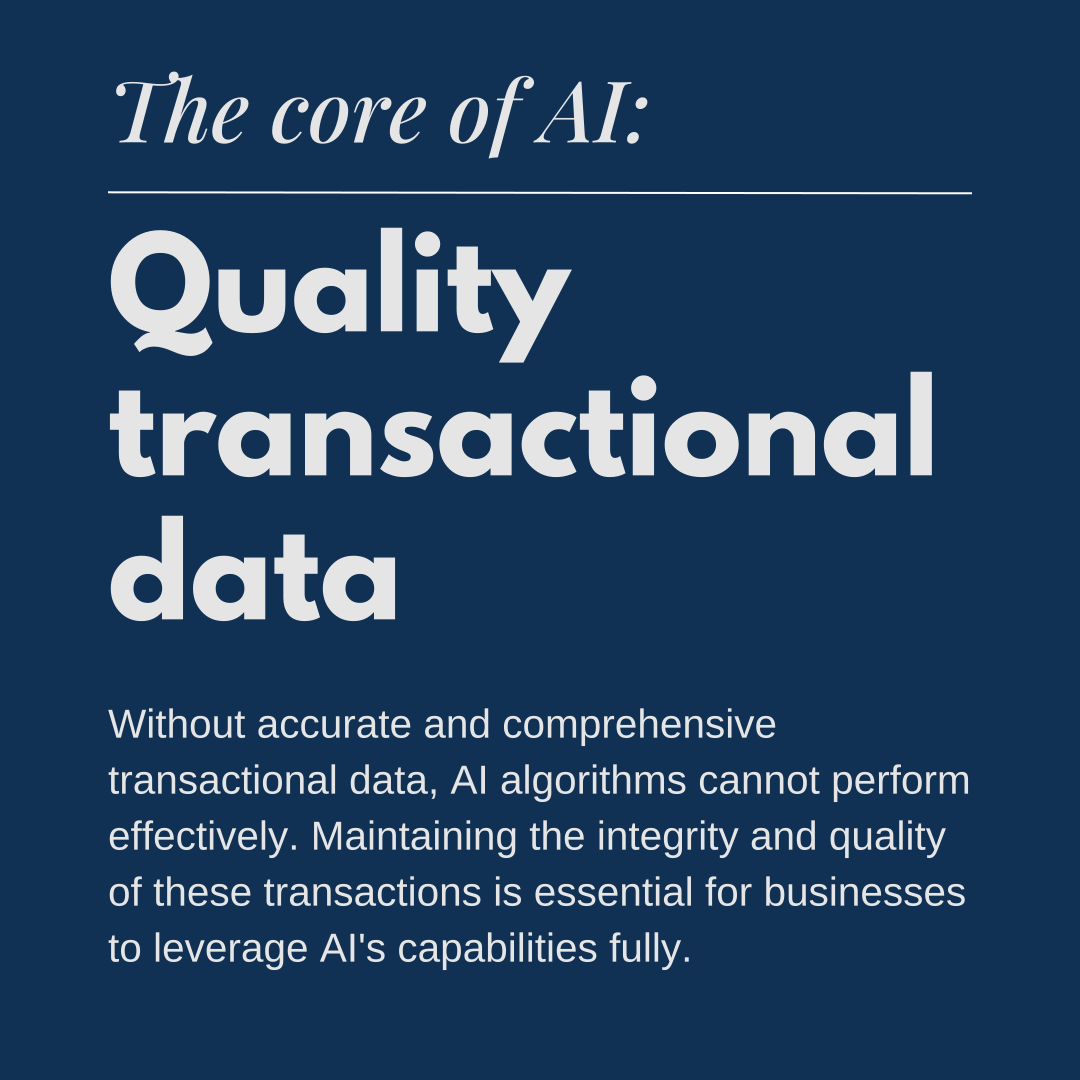
AI and machine learning are fundamentally transforming industries across the globe. According to a report by Goldman Sachs, AI could replace the equivalent of 300 million full-time jobs by 2030, affecting about a quarter of work tasks in the US and Europe. The report also predicts an increase in the total annual value of goods and services produced globally by 7%. These goods and services are, essentially, economic transactions. Whether its completing a purchase online, submitting a health insurance claim, or buying a new car, economic transactions are the critical data sources that AI systems rely on to function effectively. As companies and individuals brace themselves for AI’s momentous shift, the importance of maintaining robust and accurate transactional data becomes a cornerstone for success.

AI’s transformative power and industry investment

Tech giants are leading the charge in AI innovation. Microsoft has committed billions of dollars towards AI development, integrating advanced AI capabilities into its suite of products and services. This massive investment underscores AI’s critical role in shaping the future of technology and business operations. Similarly, NVIDIA, a key player in AI hardware and software, recently surpassed Apple in market capitalization. This milestone reflects the growing recognition of AI’s potential to revolutionize industries and drive market value.

The enduring necessity of economic transactions

Despite the rapid advancements in AI, one fundamental aspect of business operations remains unchanged: the necessity of economic transactions. These transactions—whether purchases, sales, or financial exchanges—are the bedrock of economic activity. They facilitate trade, enable the flow of goods and services, and support the overall functioning of the economy. AI systems rely heavily on data derived from these transactions to learn, adapt, and optimize processes. Every purchase at a grocery store, every sale at a car dealership, and every financial exchange contributes to the vast pool of data that AI uses to generate insights and make predictions.

Examples of economic transactions

These transactions provide data that help retailers manage inventory, predict demand, and personalize marketing efforts.

These transactions are crucial for managing patient records, billing, and insurance claims and improving patient care through data analysis.

These transactions enable banks to manage assets, provide loans, and facilitate investment activities, contributing to overall economic stability.

These transactions ensure that products move efficiently from manufacturers to consumers, optimizing supply chains and reducing costs.

These transactions help dealerships manage inventory, schedule maintenance, and provide customer service.

These transactions provide data for market analysis, pricing strategies, and investment decisions.

These transactions help businesses manage reservations, optimize pricing, and enhance customer experiences.

These transactions are critical for managing customer accounts, billing, and service delivery.

These transactions help utility companies manage infrastructure, plan for future demand, and ensure reliable service.

These transactions provide data for improving website functionality, customer service, and inventory management.

AI in corporate strategy

The impact of AI is evident across corporate America. Approximately 40% of S&P 500 companies mentioned AI in their latest earnings calls. This widespread acknowledgment signifies that AI is becoming a central component of business strategies, influencing decisions and operational improvements across various sectors.

Ensuring transactional integrity

For businesses to thrive in the AI era, ensuring the integrity of economic transactions is crucial. This involves maintaining accurate records and investing in systems capable of efficiently capturing and processing transactional data. By doing so, businesses can unlock the full potential of AI, driving growth, efficiency, and innovation. Economic transactions not only enable the basic functions of trade and commerce but also provide the critical data foundation that AI systems require to function optimally.

The future of economic transactions

While AI will transform many facets of operations across all industries, ensuring transactional integrity is necessary to maximize the advantages of AI. Economic transactions are the lifeblood of commerce, and their importance is only magnified in the AI era. They enable the seamless operation of markets, support financial stability, and provide the data necessary for AI to generate valuable insights. As AI continues to evolve, the role of economic transactions will remain indispensable, ensuring that businesses can leverage the full power of AI.

Conclusion

In the era of AI, the importance of economic transactions cannot be overstated. They are the foundation upon which AI systems are built, providing the critical data for AI to function effectively. Businesses must prioritize the integrity and quality of these transactions to fully harness the potential of AI, driving growth, efficiency, and innovation.

Does your organization have an AI strategy?

Schedule a call with our experts today.

Copilot case study

Case study: Sunrise Says "Hello!" to Microsoft Copilot

Results from our internal Copilot project

Sunrise Technologies has been around for every major technology release from Microsoft for almost 20 years. When Microsoft announced its AI solution Copilot, Sunrise team members were intrigued. As a Microsoft partner, Sunrise sells, implements, and supports the Dynamics 365 ecosystem of business applications. The company’s ethos is “implementing great ideas” for its customers, who range from manufacturers to retailers around the world. Sunrise is also a Microsoft customer, utilizing Dynamics 365 Finance, CRM, Power BI, and Office 365 for its internal operations. Here is the story of how Sunrise implemented a Copilot solution for its accounting and finance department, which automated several manual processes and saved the team hours of work each week.

Goals | Analysis | Solution overview | Copilot skills | Looking ahead

Project goals

Sunrise executives were eager to test out Microsoft Copilot’s AI before offering it to customers.  “We’re always trying to see if we can do things internally to then extend out to our customers,” said Heather Essic, Chief Administrative Officer at Sunrise Technologies. The finance department felt like the most obvious place to start automating or speeding up tasks with AI.

As a consulting firm, Sunrise invoices its customers biweekly. Consultants submit their timesheets and expense reports at the end of each billing period. Time and expenses are then verified by Sunrise’s accounting department team members before invoices are created and sent out to customers.

With over 200 consultants, checking timesheets was a repetitive, time-consuming process. Accounting team members would spend up to eight hours each billing period on manual tasks, like emailing a consultant to ask them to correct their timesheet or sending reminders to people to submit their time.

Sunrise’s accounting team members were curious about AI but unsure of where it would fit in their day-to-day workflow. “I knew very little about AI and Copilot before we went down this road,” said Kayla Rogers, Accounting Manager. “I didn’t know of a practical way that Copilot could be used in the business functions that we do, particularly around billing tasks.”

Tonya Cottingham, Accounting Manager, had a similar point of view. “I had heard a little bit about AI, but I didn’t know anything about Copilot…I was skeptical because a computer can’t think like I can.”

Analysis and design

Sunrise’s Director of Product Management, Rizwan Ahmed, worked with Tonya, Kayla, and Heather to develop a solution using Copilot Studio. Copilot Studio allows users to build conversational AI models or Copilot “skills.” Rizwan shadowed Tonya and Kayla to understand their business processes and identify areas where AI could automate or expedite tasks. One process that seemed promising for AI was the amount of manual work involved in reviewing, updating, and approving timesheets.

“Rizwan did an outstanding job of meeting with us and understanding where we were spending time looking things up,” said Heather.

The team was also impressed by how quickly the entire project came together. After just two days of shadowing, Rizwan and his team used Sunrise’s own agile project management approach to design the solution. In just 20 days, Copilot was up and running.

Copilot solution overview

After shadowing the accounting team, Rizwan taught Copilot several skills related to the team’s problem statements. The solution nicknamed “Sunrise Copilot” consisted of 14 prompts that can return information from Dynamics 365 Finance and Operations, CRM, and Power BI; and perform tasks necessary to review and approve time entries and is accessible via Microsoft Teams.

The results were immediate and impressive. “It was a game changer for us,” said Tonya. What used to take up to eight hours between two people—checking time, emailing reminders and updates—had been reduced to about ninety minutes. Sunrise Copilot had streamlined the time collection process: today Kayla and Tonya use Teams to look up, review, approve, and send emails about consultant timesheets. “We used to have to manually figure this out in Power BI, cross-checking in CRM, then go into Outlook, write the email, and now, we can do it all within Teams,” said Kayla.

Phase 1 was so successful that the team saw even more possibilities for Phase 2. “After Phase 1, we started to realize the potential of what we could see and do…the more we worked with the Sunrise Copilot, the more we could add to the scope of what it could do for Phase 2,” said Heather. This included adding prompts to look up and return information about customers. Rizwan and his team added prompts for common questions regarding customers, such as open invoices, customer balances, rates, and project team members. “Phase 2 is really exciting because it allows me to quickly look up things that took me several minutes, which doesn’t seem like a big deal at first. But when you think about doing these things every day, it can be a pretty vast improvement,” said Heather.

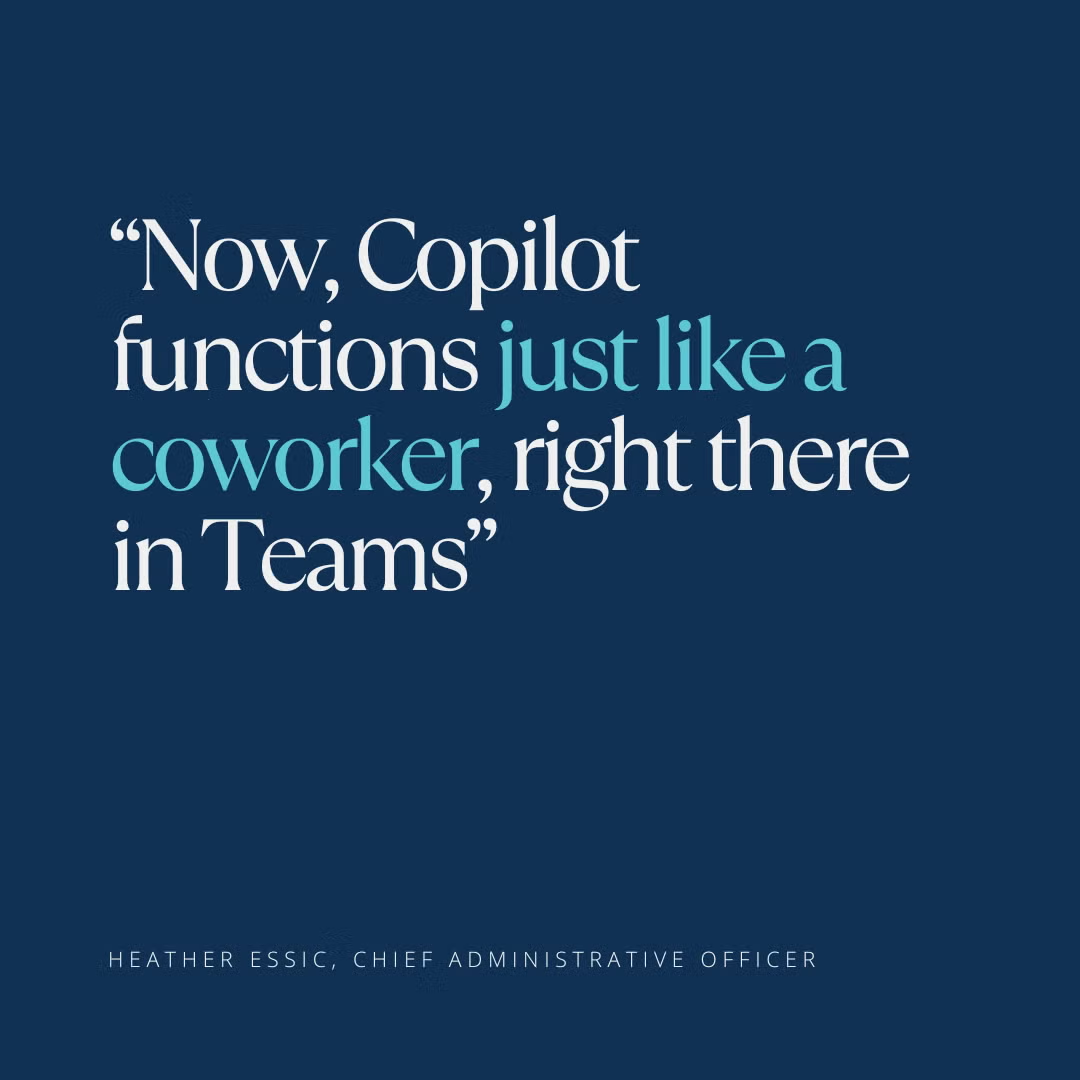
“Copilot shows up just like a coworker”

Now that Sunrise Copilot is live, its users have enjoyed incorporating it into their daily workflow. When asked about their favorite features, team members were excited at how the solution helps them save time and get answers fast:

“My favorite Copilot feature is its ability to tell me what line items are on an invoice,” said Heather. “I used to have to look in F&O at project invoices, find the customer, match up the invoice numbers…and now it’s just right there in Copilot for me.”

“I love the timesheet feature,” said Tonya. “Being able to see the time entries and details without moving between screens is a huge time saver.”

“For me, it’s the natural language, I like being able to talk to it like it’s another coworker,” said Kayla. “It’s smart enough to figure out the answers I want even if I say something in a different way.”

Looking ahead and advice for future users

Today, the accounting team thinks “the possibilities are endless,” with Copilot. For Sunrise executives, the project was a valuable experience not only for the boost in efficiency, but as an exercise to understand how AI can deliver real value to an organization.

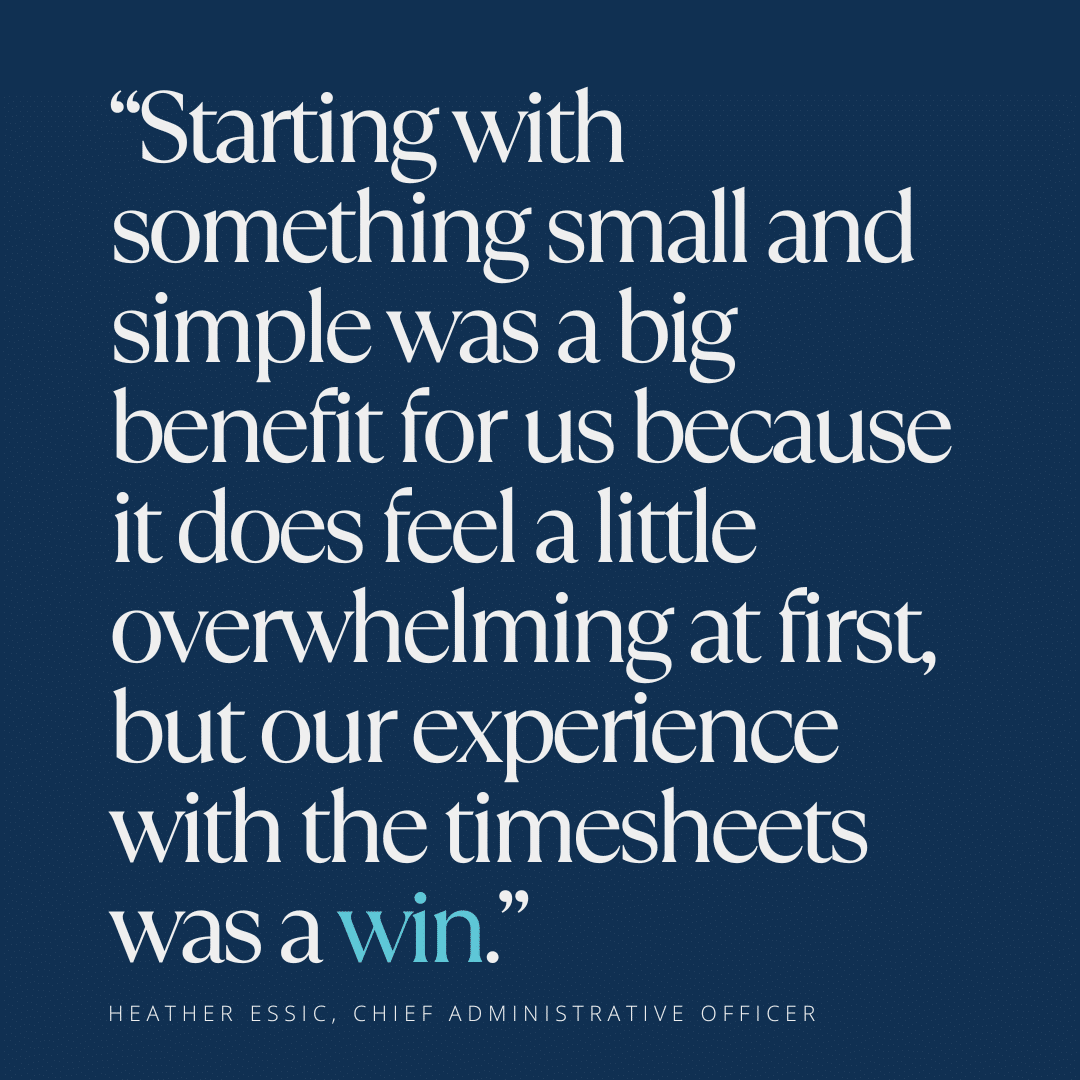
“I think about customers of ours who are looking to enable Copilot in some way, and aren’t sure where to start, and our team felt that way too,” said Heather. “Starting with something small and simple was a big benefit for us because it does feel a little overwhelming at first, but our experience with the timesheets was a win.”

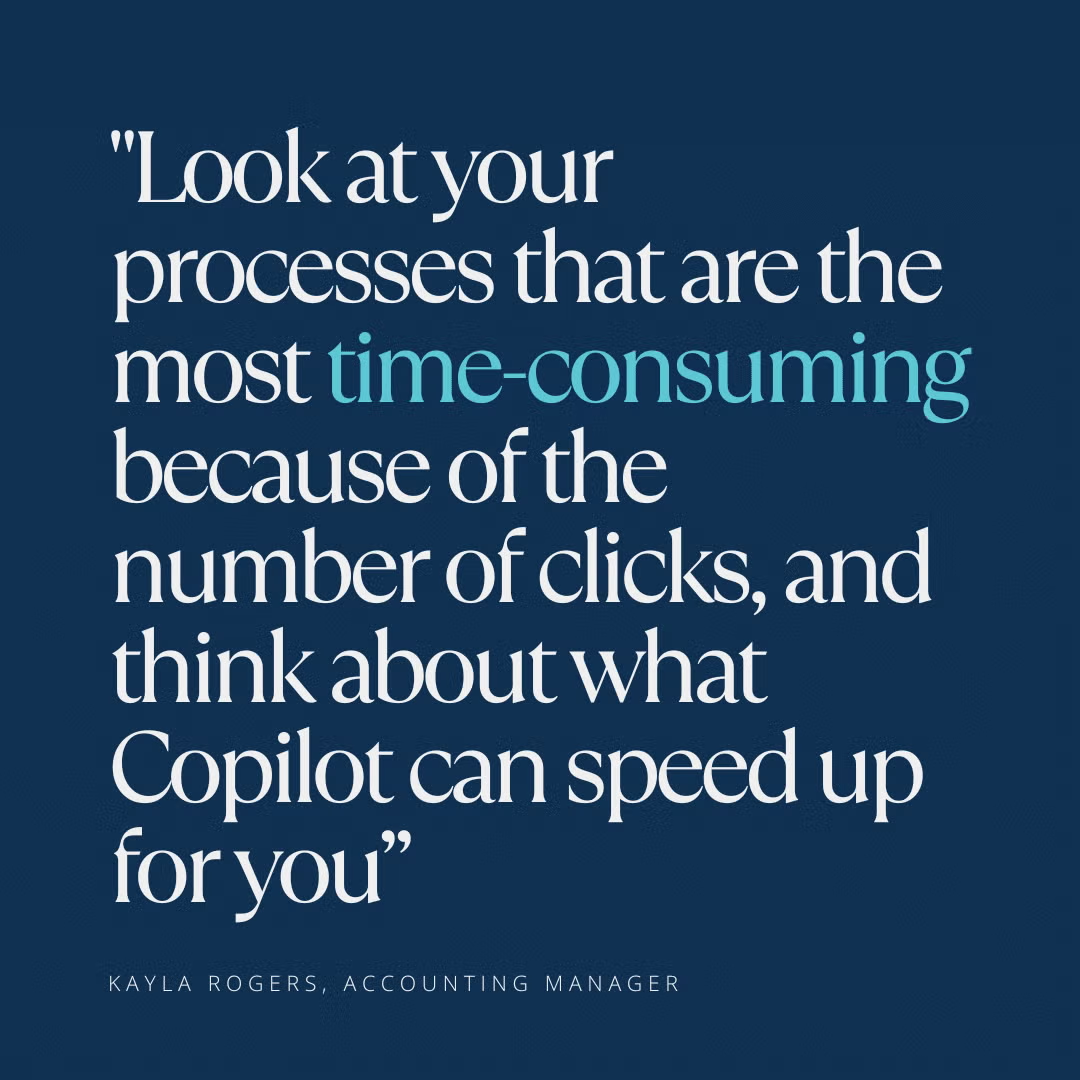
For those considering a Copilot project of their own, Sunrise’s end users have some advice: “Look at your processes that are the most time-consuming because of the number of clicks and think about what Copilot can speed up for you so that your data is readily available to help you make decisions,” said Kayla Rogers.

“I think it’s important to think about your work step by step. What do you do to get from point A to point B to point C?” said Tonya Cottingham. “You know your processes, because they’re within the realm of what you do every day, and Copilot can help you complete those processes in a much more timely and effective manner.”

Start Your Journey with Sunrise Today!

Whether you’re exploring your options for new business platforms, or ready to get started, we are trusted business partners for some of the world’s most well-known brands. With over 25 years of experience with the Microsoft stack, we can help you understand all the capabilities Microsoft has to offer.

Unleashing the power of AI in retail: Read the report from Retail Cloud Alliance

Unleashing the Power of AI in Retail: Read the report from Retail Cloud Alliance

Discover how artificial intelligence (AI) is reshaping the future of retail. In this insightful report, delve into the transformative impact of AI on every aspect of retail operations:

  • AI is poised to revolutionize customer personalization by generating vast amounts of customer data and providing personalized recommendations
  • AI enables retailers to extract valuable insights, provide guidance, and automate decisions, enhancing the potential of new data
  • The strategic implementation of AI services is becoming crucial for businesses seeking a competitive edge in the era of digitization and data-driven analysis
  • AI optimizes inventory management, markdown strategies, and price optimization, leading to more competitive retail operations
  • AI can personalize training by analyzing employee performance and adapting materials to meet individual needs
  • AI also plays a role in fraud prevention, utilizing historical data to identify anomalies and patterns associated with repeat offenders

For a deeper dive, download the full report below.

Sunrise and Microsoft are proud to support the Retail Cloud Alliance. The Retail Cloud Alliance helps organizations reimagine retail in by bringing together retail industry leaders, focus groups, and subject matter experts for insights into how retailers can thrive in today’s environment.

Start Your Journey with Sunrise Today!

Whether you’re exploring your options for new business platforms, or ready to get started, we are trusted business partners for some of the world’s most well-known brands. With over 25 years of experience with the Microsoft stack, we can help you understand all the capabilities Microsoft has to offer.