Evolving supply chains (interview with Business of Fashion)

Evolving Supply Chains (Interview with Business of Fashion)

Sunrise Technologies’ VP of Global Business Development Mike Pereira recently sat down (virtually) with Business of Fashion to discuss the future of supply chain management for brands and retailers. Shifts in supply chains have changed the way brands and retailers serve customers. This interview covers new technologies and strategies businesses should embrace as the world emerges from the COVID-19 pandemic, new opportunities within supply chain management, and solutions for both large and small businesses planning a comeback.

Start Your Journey with Sunrise Today!

Whether you’re exploring your options for new business platforms, or ready to get started, we are trusted business partners for some of the world’s most well-known brands. With over 30 years of experience with the Microsoft stack, we can help you understand all the capabilities Microsoft has to offer.
Demos and guided tours of Microsoft Dynamics 365

Microsoft Dynamics 365 Demos and Guided Tours

Start your business transformation

You’re looking for a solution to move your business into the future.
Consider Dynamics 365.

Dynamics 365 Overview: What makes this solution different from the rest…

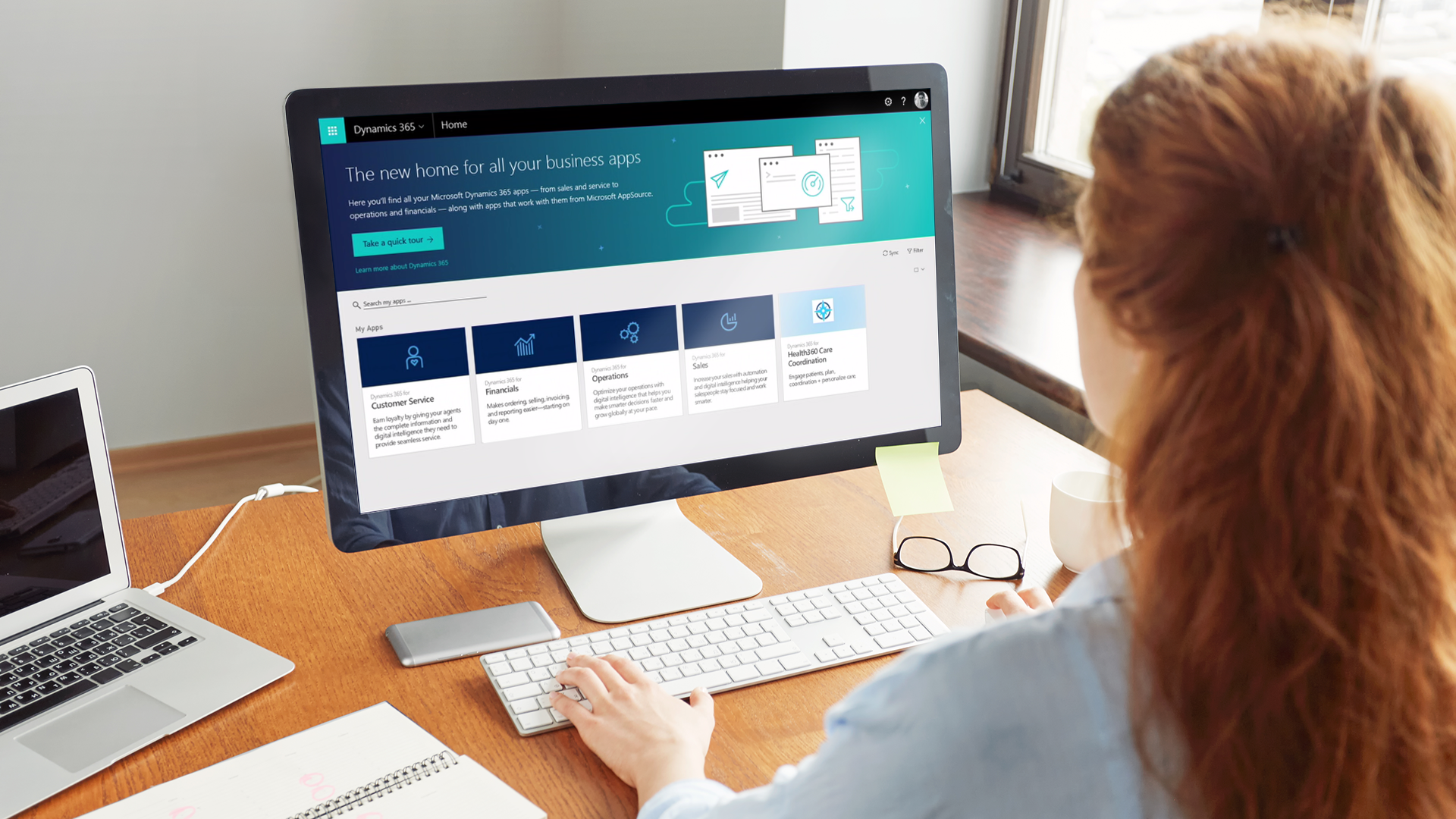
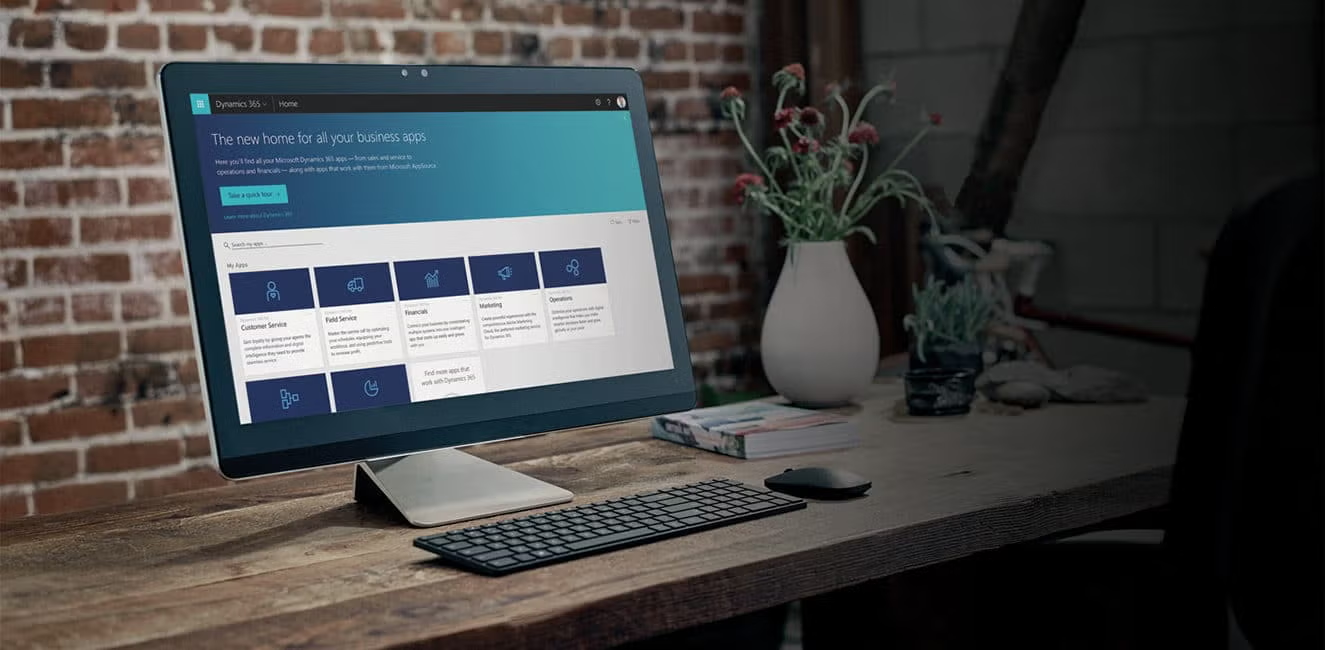
Part of what makes Dynamics 365 so unique for businesses is that it tears down application silos, and connects everything together. This solution will help save your organization time and money, and will scale with you as your business grows. See for yourself! Please let us know if we can help answer questions.

Now, See Dynamics 365 in Action...

UNIFIED: Financials, Operations, Customer Engagement

ADAPTABLE: Industry Specific, Customizable, Flexible

…And How it's a Perfect Fit for Your Industry

See how to solve the common challenges faced by consumer brands, manufacturers, and distributors:

  • Product variations
  • Multiple channels
  • Scarce goods allocation

The race to become a cloud retailer is fierce. See what a modern and delightful experience looks like in the cloud:

  • Cloud point of sale
  • Retail replenishment
  • Intelligent supply chain

NATIVE ECOMMERCE DEMO

FRAUD PROTECTION

CUSTOMER INSIGHTS

Dynamics 365 has Something for Everyone

No matter what your role is within your organization, Dynamics 365 has functionality to make your life easier and your work more efficient.  If you’d like a tailored demo experience, or to see Sunrise’s exclusive solutions for supply chain and retail, contact us.

There was no question when we selected Dynamics 365. Global supply chain, finance, omni-channel functionality — it was all there right out of the box. Selecting Sunrise was just as easy. We really liked their structured implementation approach and are completely confident in their ability to deliver on-time and on-budget.

Kevin Sonney — Vice President of Global Technology, 5.11 Tactical
Industries
Laser-like Focus and Years of Experience

Our industry experts have been working with companies like yours for years. Solving complex global, omni-channel, supply chain problems takes skill and know-how. Invite us to help advise and guide you to your best industry solution.

Get Your Money's Worth

Save time and gain instant value when you deploy Microsoft Dynamics 365 with Sunrise industry extensions. Contact us today to ask questions or discuss next steps of how to start your project.

Sunrise 365 Supply Chain Control Tower

Sunrise 365 Supply Chain Control Tower

Global supply chain disruptions can wreak havoc on brands. The Sunrise 365 Supply Chain Control Tower unites all your demand and supply data sources in a single view. See the actual impact on revenue and run what-if scenarios on real-time data to make better planning decisions. Whether you’re facing vendor failures, overstocks, out of stocks, or other sticky situations, the Supply Chain Control Tower helps you identify potential problems before they cause chaos.

Start Your Journey with Sunrise Today!

Whether you’re exploring your options for new business platforms, or ready to get started, we are trusted business partners for some of the world’s most well-known brands. With over 25 years of experience with the Microsoft stack, we can help you understand all the capabilities Microsoft has to offer.

Forrester total economic impact of migrating from AX to Dynamics 365

Forrester Total Economic Impact of Migrating from AX to Dynamics 365

Get Your Money's Worth

Save time and gain instant value when you deploy Microsoft Dynamics 365 with Sunrise industry extensions.

Post go-live support

You Just Went Live...Now What?

How to care for your new ERP system

Mike Pereira is Sunrise’s Vice President of Global Customer Support and one of Sunrise’s longest-serving employees. Mike has over twenty years of experience and a deep background in apparel and textile management as well as manufacturing supply chain management.

You did it! Breathe a sigh of relief — you made it through go-live, and your new ERP system is up and running. Now it’s time to tackle what to do after go-live. Even though you may want to call this project “done” and move on, the work isn’t over. The first few weeks after going live, it’s critical that you stay vigilant and nip any issues in the bud. Let’s walk through the hyper care process and document some things you should expect…

Data migration: the first wave

Special cases

Helping new users

Avoid the Valley of Despair

Frequently asked questions

Data migration issues — the first wave

People are surprised at how quiet the first week after go-live can be. If you did all your testing and gave yourself plenty of time and CRPs, transactions should be flowing through your system without a hitch. The first thing you might encounter are data migration errors. These usually happen because business users have only interacted with the old, migrated data before, and any issues that existed could throw errors in the new system. It’s important to clear out these data migration errors first, before too many pile up.

Special cases

It’s impossible to test every possible scenario prior to go-live. The second wave of issues you might encounter are the outliers — one-off scenarios you didn’t have time to test. These are to be expected (after all, you have to go-live at some point, right?) As users start adding new master and transactional data, these corner cases become obvious. The intersection of data and business processes can create unique, unexpected situations. If your project team handles these cases as they appear, you should be fine.

Helping new users

You’ve conquered any migration problems and taken care of the corner cases. The last thing to look out for are user errors. We consider these issues the most dangerous because if they aren’t dealt with swiftly, user errors can snowball into an avalanche of problems that affect the whole organization. For example, an employee from merchandising might forget to associate the cost for a new product. The warehouse then receives the product at zero cost, and now the fix requires several financial transactions and lots of time. During this time, speed of resolution is key. If errors are being created faster than resolutions, that’s a problem. Your project team and your organization’s power users should work on clearing out these errors and reinforcing best practices among the rest of the organization.

Avoid the “Valley of Despair”

The Valley of Despair is when your ERP’s performance drops dramatically, shortly after going live. Users might get frustrated, disappointed, and wonder if the project was even worth it. Guiding users around this metaphorical valley of despair is why your project team should stick around a little longer. The real benchmark people should focus on is closing the first financial period in the new system.

Frequently asked questions

Data migration errors, followed by special cases regarding business processes, and user errors are most common.

Closing the first financial period in your new ERP system is a common benchmark to use.

Assessing go-live readiness is an art and a science. Businesses are complex—and it’s impossible to test every single scenario and stay on schedule. It’s to be expected that some special cases will reveal themselves in the first few weeks after go-live.

Start Your Journey with Sunrise Today!

 Whether you’re exploring your options for new business platforms, or ready to get started, we are trusted business partners for some of the world’s most well-known brands. With over 25 years of experience with the Microsoft stack, we can help you understand all the capabilities Microsoft has to offer.

To customize, or not to customize?

To Customize, or Not to Customize?

These are the questions to ask about ERP customization

Table of Contents

Implementing a cloud-based ERP system like Microsoft Dynamics 365 is essential for organizations seeking to stay competitive. However, one topic that often causes hesitation during ERP projects is customizations. While ERP customizations have historically been a source of frustration, particularly when they lead to long-term maintenance issues or system instability, a “no customization” policy isn’t always the best approach. The key is knowing when customizations add value versus when they create unnecessary complexity.

In this blog, we’ll explore how to evaluate ERP customizations thoughtfully and strategically, ensuring they help your business thrive without creating technical debt down the road.

Understanding When to Customize Your ERP System

Not all customizations are created equal. The decision to customize should never be taken lightly, but avoiding all customizations across the board can leave your organization struggling to maintain a competitive edge. A better approach is to evaluate whether a customization serves a clear business purpose. Customizations should align with your company’s goals and long-term strategy, enabling your teams to perform at their best while enhancing overall efficiency.

Gap-Fit Analysis: Identifying When Customizations Are Necessary

During the early stages of an ERP project, your team will engage in a gap-fit analysis to document current business processes and compare them with the new system’s out-of-the-box functionality. This is where the decision to customize or change your processes often comes into play. Should the software be customized to fit your current business processes, or should your processes adapt to fit the software?

There are pros and cons to each approach. Customizing the software may seem like a faster, easier option in the short term, especially when users resist change. But using customizations as a shortcut can result in significant long-term costs, from ongoing maintenance to system updates that break existing custom code. On the other hand, asking your team to change ingrained business processes can be time-consuming and may lead to friction during implementation.

The trick is finding the right balance. Customizations should be reserved for areas that truly impact your company’s uniqueness or provide a competitive advantage.

Strategic Factors to Consider Before Customizing

Adding Value to the Organization

Customizations should deliver measurable value. Will the customization improve efficiency, enhance the customer experience, or contribute to higher revenue streams? If the answer is yes, it may be worth considering. However, any customization should align with your organization’s broader strategic goals and business objectives.

One good rule of thumb is to ask: Will this customization make my business more competitive in the marketplace? If the answer is no, it might be better to explore standard functionality or process changes.

Streamlining Processes

A well-planned customization can help streamline workflows by automating repetitive tasks, simplifying processes, or integrating disparate systems. For instance, if your business relies heavily on manual processes, a customization could significantly reduce time and labor costs.

However, remember that customizing software to match inefficient processes isn’t the answer. Consider whether changing your business processes could deliver similar efficiency gains without the need for custom code.

Exploring Low-Code Alternatives

Before diving into full-blown customizations, consider low-code solutions, such as Microsoft’s Power Platform. Low-code platforms allow you to build custom applications with minimal development effort, providing needed functionality without heavy investments in development or future maintenance.

The Power Platform integrates seamlessly with Dynamics 365, giving users the flexibility to extend the ERP system without feeling like they’re interacting with a completely different solution. This approach can reduce complexity and help you avoid the maintenance issues that customizations can introduce, all while enhancing user satisfaction.

Evaluating the Long-Term Feasibility of Customizations

It’s easy to overlook the long-term implications of customizations, but it’s critical to assess their feasibility over time. Customizations require ongoing updates, especially as cloud platforms evolve. You’ll need to ensure that your customizations remain compatible with future upgrades and don’t become a burden on your IT team.

When evaluating whether a customization is sustainable, consider:

  • The resources required to maintain and update the customization over time.
  • The potential impact on future upgrades or new system features.
  • Whether the customization aligns with the long-term goals of your business.

By thinking ahead, you can ensure that customizations don’t become obstacles but rather sustainable enhancements that support your growth.

Conclusion: A Balanced Approach to ERP Customizations

Deciding whether to customize your ERP system is a strategic decision that requires careful consideration. Customizations can add tremendous value when they support your core competencies, streamline business processes, or give your organization a competitive edge. However, they should always be weighed against the long-term costs and complexity they may introduce.

The good news is that today’s cloud-based platforms, like Dynamics 365, make customizations far more manageable and less risky than in the past. Low-code alternatives and modern architectural improvements allow for greater flexibility without compromising system integrity.

At Sunrise Technologies, we believe in approaching customizations thoughtfully. By evaluating each customization against your business goals and long-term vision, and by leveraging the right tools and partners, you can create a tailored ERP solution that supports innovation, efficiency, and growth—without the technical debt.

If you’re considering customizations for your ERP system, let us help guide you through the process. With our expertise and experience, we’ll ensure your customizations deliver the right balance of value, flexibility, and sustainability for your organization.

Everything You Need For A

SUCCESSFUL IMPLEMENTATION

Cloud-based ERPs have changed implementation best practices and methodologies. Based on over 30 years of experience, we’ve identified seven critical factors that influence whether a project succeeds or fails.

Ready for your tailored ERP solution?

Schedule a call with one of our ERP experts today to implement Dynamics 365 with less cost and fewer customizations.

Supply chain rebound—back on track, but better: 3 ways to improve visibility and agility

Supply Chain Rebound—Back On Track, But Better: 3 Ways To Improve Visibility And Agility

Start Your Journey with Sunrise Today!

Whether you’re exploring your options for new business platforms, or ready to get started, we are trusted business partners for some of the world’s most well-known brands. With over 25 years of experience with the Microsoft stack, we can help you understand all the capabilities Microsoft has to offer.

Don’t underestimate data migration

Don't underestimate data migration

Strategies and best practices for data migration during ERP projects

As a Director of Consulting for Sunrise Technologies, Jason Wolf has over 15 years of experience implementing Dynamics ERP solutions for apparel, footwear, retail, and consumer goods companies.

ERP implementations are tough

Over the years, implementation partners have created methodologies, project management and planning tools to account for every aspect of an ERP implementation. Yet it’s still common to see data migration get left behind during project planning. We believe this is backwards, since without the data, your new ERP system can’t go live. Data migration should be considered at the beginning of an ERP project, while other important design decisions are being made. By taking the time upfront to plan your migration strategy, you can avoid unexpected delays during your project.


Why migration planning is so important
Data migration strategies
Data cleansing
Validation and testing
Frequently asked questions

Data migration can make or break your implementation

Migration planning should happen early in the project. Getting a jumpstart on the challenges for each data structure can save tons of time, and safeguard against unexpected hiccups during the project. It also gives the project team a better idea on timelines and resources needed to get from the old system to the new one. The bigger the change to a data structure (especially master data structures like product, customer, vendor, etc.,) the more challenging it will be to move to the new system. Without a plan in place, budgets can run over, timelines run long, or an issue stalls the process late in the project.

Selecting a strategy for data migration

The key to a smooth migration is picking the right strategy. One size does NOT fit all, which is why it’s important to spend time early in the project deciding on the best method. Some examples are:

  • Bill of Materials data might be complex, with significant changes to the data structure. However, the volume might be small enough that it’s easier to enter it manually. For very complex data structures, it doesn’t make sense to write a migration script that you’ll only use once, when in the same amount of time you could just enter the data.
  • Sales orders (or other types of transactional data), might be thousands or even hundreds of thousands of lines long. In that case, it might be better to create an automated script to move and map the data.

Cleaning the data

One of the unsung benefits of an implementation is getting a fresh start with clean, well-organized data. You can’t realize all the benefits of a new ERP system if your data is riddled with errors. Take this opportunity to remove redundancies, append missing information, fix typos and errors, and archive what you won’t need going forward. The key is to clean the data before migrating to the new system. Source data should be audited, issues resolved quickly, and controls set up for maintaining data quality and governance in the new ERP system. Much of this data cleansing work is manual, but it’s worth it to get the full value out of your implementation.

Data validation

The only way to know for sure that the data migrated successfully is to check. The basic process is to start with a small amount of data, load it into the new ERP system, test, add more, and repeat. Once the migration is complete, you can validate it by checking against the source system. For example, say you want to check your open sales orders. You could check the line counts, quantity, and amount against the original source and if the numbers match, you’re good to go.

Frequently asked questions

As early as possible! A data migration strategy should be considered early in the project, while other key design decisions are being made.

There isn’t a one-size-fits-all approach for data migration. Your implementation partner should offer guidance based on their experience. In general, for lower volumes, it might be more efficient to manually enter the data rather than spend time creating an automated script. For very large sets of data that contain complex mapping and business logic, automation may be the way to go.

Clean your data in the source system prior to the migration.

Create a checklist to test what’s in your new system against the legacy data source.

Start Your Journey with Sunrise Today!

 Whether you’re exploring your options for new business platforms, or ready to get started, we are trusted business partners for some of the world’s most well-known brands. With over 25 years of experience with the Microsoft stack, we can help you understand all the capabilities Microsoft has to offer.
What kills an ERP project?

What kills an ERP project?

How to set your implementation up for success

As a Project Manager for Sunrise Technologies, Kristin Pehilj brings over 20 years of industry experience to the table and serves as a trusted advisor for apparel, footwear, and consumer goods companies that are in the midst of an ERP replacement.

No one wants to think about it, but your ERP project might fail. And while there’s a wealth of analysis on why ERP implementations fail, we consider one factor to be the difference between an implementation’s success or failure. Executive involvement is key — without it, an ERP project will struggle from the beginning and may not recover.

Change management

The executive’s role

Steering committee meetings

Frequently asked questions

More than just an ERP project

An ERP implementation is really a change management initiative. Just with more software involved. Asking people to change is never easy. It’s up to your company’s leaders to champion the project and guide your employees throughout the process.

Once a project is underway (and starts to get tough), the new system should be the catalyst for business transformation, something people can reference as the driving force behind positive change. You can have the best consultants, but even skilled, friendly, hard-working people face resistance when they’re the outsiders. Members of groups follow their leaders. And this is a good thing! Huge projects only get accomplished when people work together as a team, which is why executives should be prepared make tough decisions, foster consensus, and drive the project forward.

How executives can play a crucial role

Of the thousands of decisions that need to be made during a project, many are going to be controversial. An ERP system touches almost every department in a company. Each department has its own set of processes and distinct personalities. Something like sales order management — which crosses paths with sales, credit, customer service, planning, logistics, accounts receivable — could require days or weeks of meetings. And when people can’t come to an agreement? The process stalls. This is the death knell of your project. This type of deadlock is why executive support is crucial. They can smooth the path and make the tough decisions needed to drive the project forward.

Why meetings are so important

We recommend you form a project steering committee and meet at least once a month. The meetings don’t have to be long, but they should focus on specific asks for executives, rather than just listing project updates. It’s amazing what you can accomplish in a one-hour meeting. The key is to keep requests concise, limit needless updates, and be clear on who is responsible for what. By bringing a list of short, actionable items to the executive team, you can respect everyone’s time and keep them engaged and involved.

Frequently asked questions

Certainly those factors are important, but we consider executive involvement the backbone of a successful ERP implementation. These projects involve change management, which is never easy and relies on a company’s leaders to see it through.

The most basic thing you can do is establish a steering committee and ask key members of the executive team to participate. Getting executives to attend regular meetings might be tough, but a well thought out meeting with an agenda, decisions and next steps will go a long way to keeping them involved. And it will be worth it in the end.

It’s the implementation team’s job to decide who is responsible for what activities, which problems need an executive decision, and which can be solved on their own.

The key to a successful steering committee meeting isn’t just project updates (people can get that information on their own time), it’s bringing up the issues that need executive input. Get in, follow the agenda, assign next steps, and move on.

Start Your Journey with Sunrise Today!

 Whether you’re exploring your options for new business platforms, or ready to get started, we are trusted business partners for some of the world’s most well-known brands. With over 25 years of experience with the Microsoft stack, we can help you understand all the capabilities Microsoft has to offer.

Inventory Allocation

Soft and hard allocation: understanding the difference

Both are essential for efficient supply chain management

As the SVP of Global Business Development for Sunrise Technologies, Cem Item serves as a trusted advisor to C-level executives running large global enterprises. He conducts corporate business strategy engagements and digital transformation workshops around the world. With over 20 years of consulting experience, Cem specializes in the textile, apparel, footwear, home furnishings, consumer goods manufacturing, and retail industries.

If hard allocation is the hammer and nails of supply chain, soft allocation is like magnets and a whiteboard.

Defining soft and hard allocation

Allocation (the point where supply meets demand) is one of the most important pieces of the supply chain. So many critical business processes— customer service, inventory, sales — start hinge on smart allocation. Among supply chain professionals, software vendors, and other stakeholders, different words and terms get thrown around and people get confused. Here’s our point of view on hard and soft allocation, and challenges within each.

Very simply, hard allocation means the commitment between supply and demand cannot be changed. It’s been finalized, agreed upon, and now items are ready to go. Soft allocation, on the other hand, has a little wiggle room. Supply can shift as needed. Both practices play an important role in the supply chain, but typically we expect allocation to start out soft. Over time, as conditions change, allocation should get harder. During the planning process, hard and soft allocation can even be tied together.

Key differences between hard and soft allocation

Soft allocation

  • Supply is flexible, depending on changes to demand. It’s possible to shift quantities and orders as needed.
  • Usually, in the early stages of planning, soft allocation is the name of the game. Delivery is a long way off.
  • Deals with planned and firm entities alike.
  • More planning-oriented.

Hard allocation

  • Supply is committed to the demand, with no changes.
  • Delivery date is very soon…think days or weeks.
  • Only interested in firm entities.
  • More execution-oriented.

Challenges in the planning process

Planning usually starts with a forecast. Over time, orders are placed and users compare them to the forecast and adjust. The type of business can dictate how planning is handled. For example, wholesale businesses that gradually firm up demand over time may have semi-firm demand like a bulk or blanket sales order. For retail or eCommerce businesses, demand is never locked in until a customer places an order. Things get really complex for companies with multiple channels – retail, ecommerce, and wholesale, for example. Every channel requires different demand planning, from forecasting to bulk orders to placing actual orders.

Meanwhile, you also have planned purchase orders or production orders. Over time, these planned orders are scheduled, or goods are produced and delivered, and placed in inventory. All along the way, a company is juggling many types of supply (planned orders, in-progress orders, inventory, etc.) alongside many types of demand (the forecast, sales orders, standing bulk sales orders, etc.) And it’s the supply chain’s job to strike the delicate balance between the two.

How soft allocation helps you manage your supply chain

Let’s say you’ve just begun a new season, or otherwise in the beginning of the planning cycle. At this point, few orders are confirmed. You have a forecast, but products are still on order or in production, or something in between. This is the worst possible time to start hard allocating supply against the demand. You’ll encounter both inventory headaches from all the effort to re-organize and re-plan when orders are canceled or rescheduled, and you’ll have a bunch of customer service problems, too. This is the time when you should go with the flow. This is where soft allocation is your superstar.

If hard allocation is the hammer and nails of supply chain, soft allocation is like magnets and a whiteboard. While orders are being placed, you should be able to shift supply to demand as priorities change. Seeing the big picture — whether that’s by channel, customer, product, vendor, or other entities — is key to understanding and managing your supply chain for the best results.

Hard allocation comes into play when you’re ready to execute. At this point, you’re dealing with the firmest supply and demand (inventory and sales orders). Releasing the orders might be constrained by fulfillment rules, like no partial shipments, or at least fifty percent of line level is satisfied, or similar. Challenges at this stage are implementing these fulfillment rules while maximizing the amount of inventory that ships. The right allocation solution lets you set up and edit these constraints quickly and easily.

Start Your Journey with Sunrise Today!

 Whether you’re exploring your options for new business platforms, or ready to get started, we are trusted business partners for some of the world’s most well-known brands. With over 25 years of experience with the Microsoft stack, we can help you understand all the capabilities Microsoft has to offer.